January 2027 CohortLive onboarding January 16Programme starts January 18

SoS AI School · 8-week AI Readiness Cohort

You don't need more AI information. You need to know how to use it.

Eight weeks of live, guided AI practice for business owners, professionals and entrepreneurs. Turn the tools you’ve tried into practical capability for your own work.

$1,295 Pay in full · standard tuition $1,495
Ask Rio first

Prefer flexibility? 5 fortnightly payments of $299 ($1,495 total). This link takes only the initial $299 payment. Contact us to arrange the remaining four $299 payments every 14 days; this link alone does not establish automatic collection of those payments. Employer and team-funded enrolment is also available. See organisation route →

AI-enabled. Human-led. SoS sits at the centre: we help you organise the AI tools you already use around useful work, with people setting the direction and reviewing the result.

Tool names are shown for identification only. No partnership or endorsement is implied.

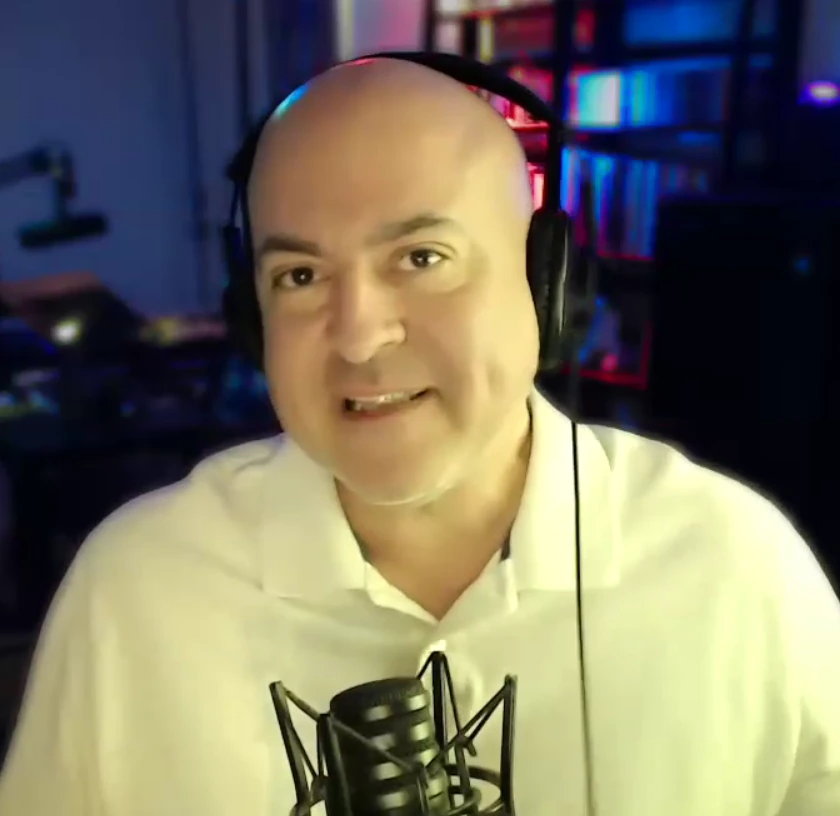
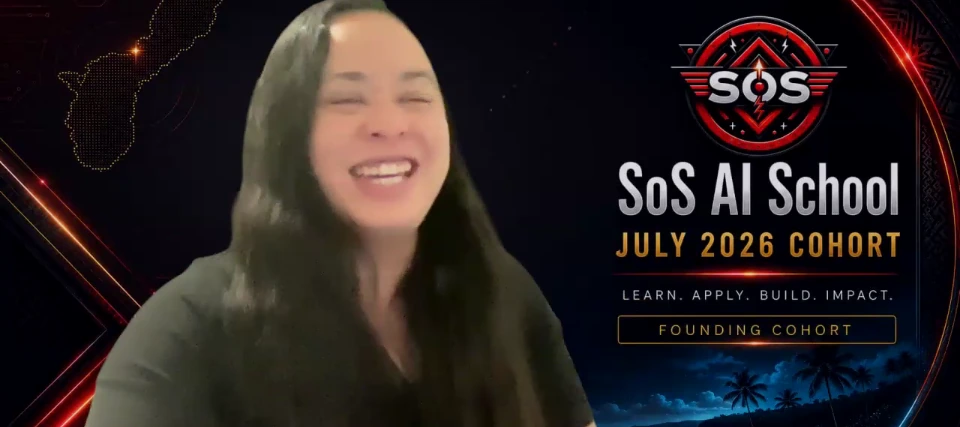
Andrea Naomi teaching during a live SoS AI School session
Andrea Naomi, live teaching. Documentary session frame, 2026.
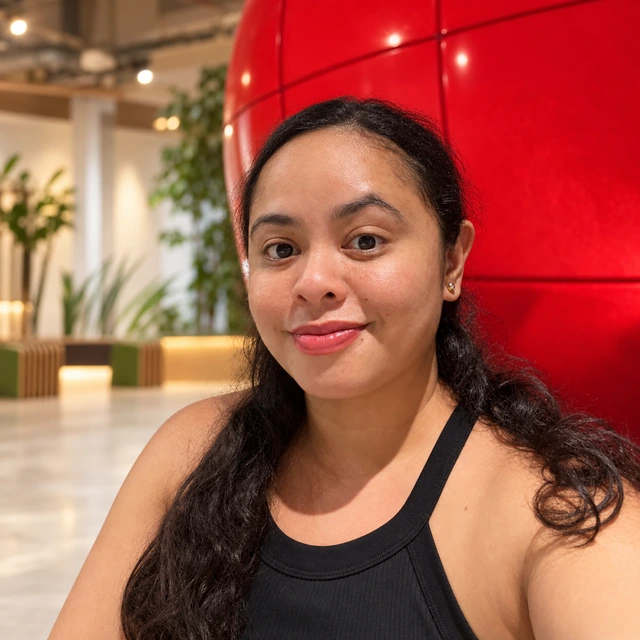
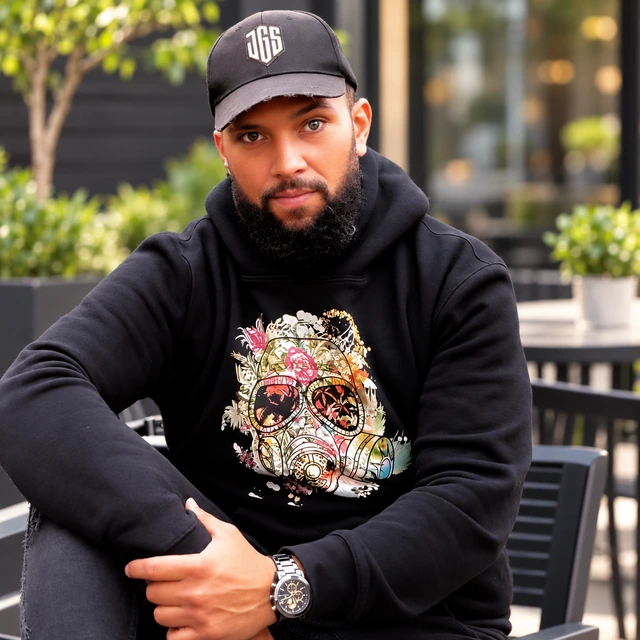
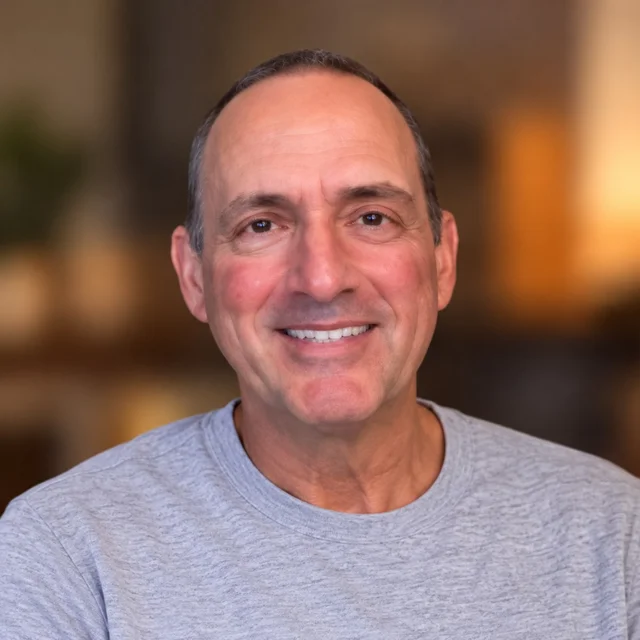
Co-founders & trainersAndrea Naomi & Tigs
Onboarding
January 16, 2027Live session
Programme start
January 18, 20278 weeks · live cohort
Learning arc
Prompting → Projects → Responsible AIPractical builds
Platform
Mission ControlLessons, progress and evidence

From the live cohort

Real participants, real work, live in the room.

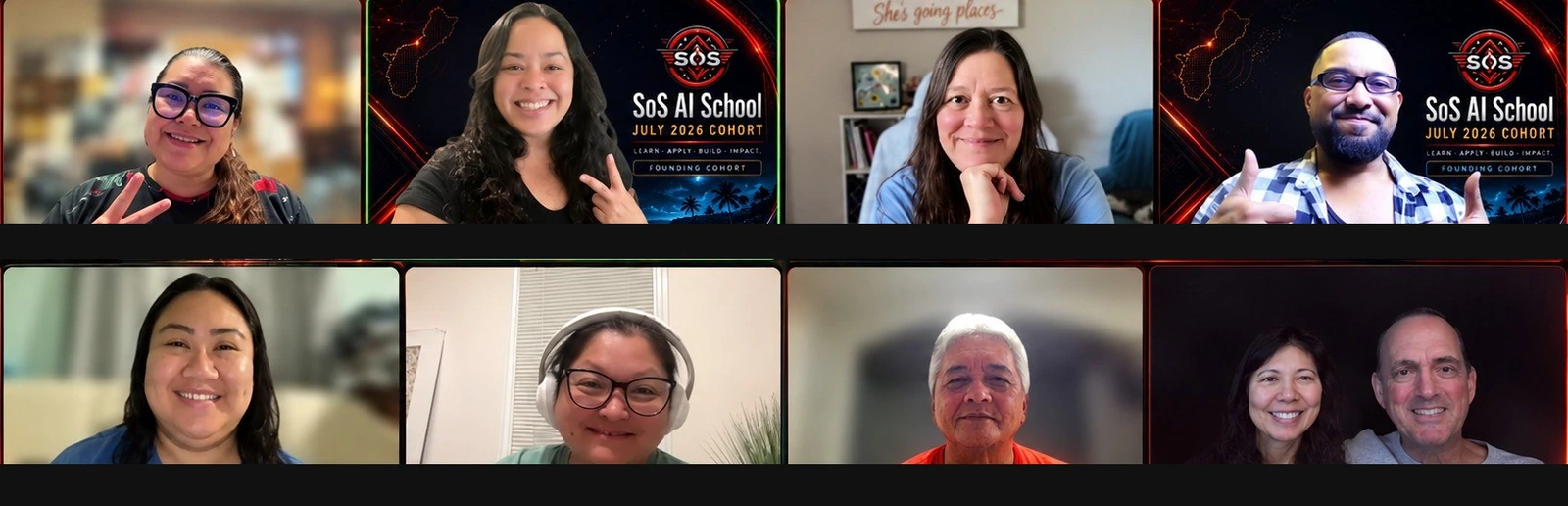
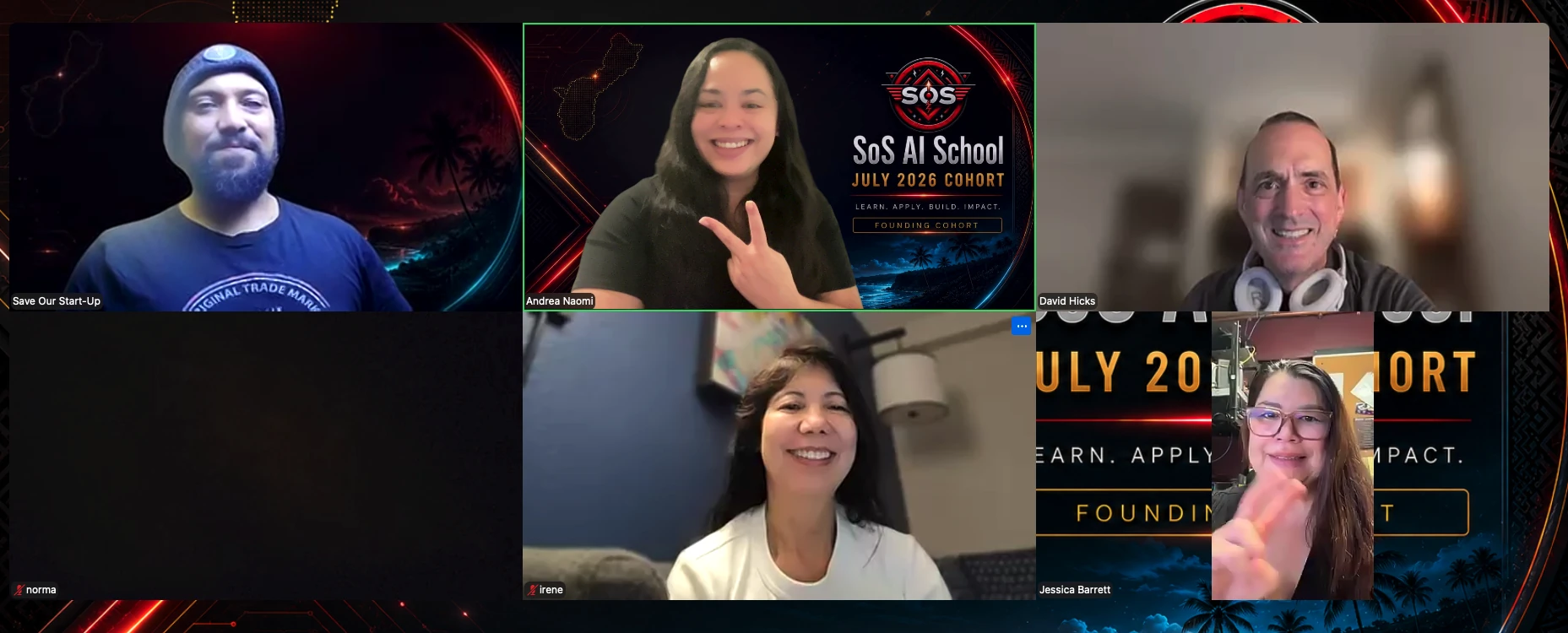
Fall 2026 onboarding session with returning and new participants; names removed
Fall 2026 onboarding session with returning and new participants. Names removed.
“I'm only in Week 2 and I'm already learning so much.”
Dave HicksAmerica's Best Electric Mart
From the live cohort 01 / Applied AI
  1. Learn
  2. Apply
  3. Review
  4. Improve

Prompting / Tool build

Prompt refinement that asks better questions first.

A participant presented a prompt-refinement assistant designed to turn a rough idea into a stronger prompt by asking clarifying questions before producing the final instruction.

Anonymised cohort example. Individual outcomes vary. Explore the cohort work

Wall of love · In their own words

Said in the room. Kept in their words.

Short reflections from people who took part in the live cohort, shown exactly as they were said or written. They describe individual experience, not promised results.

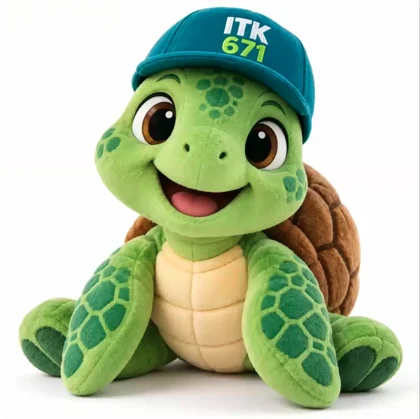
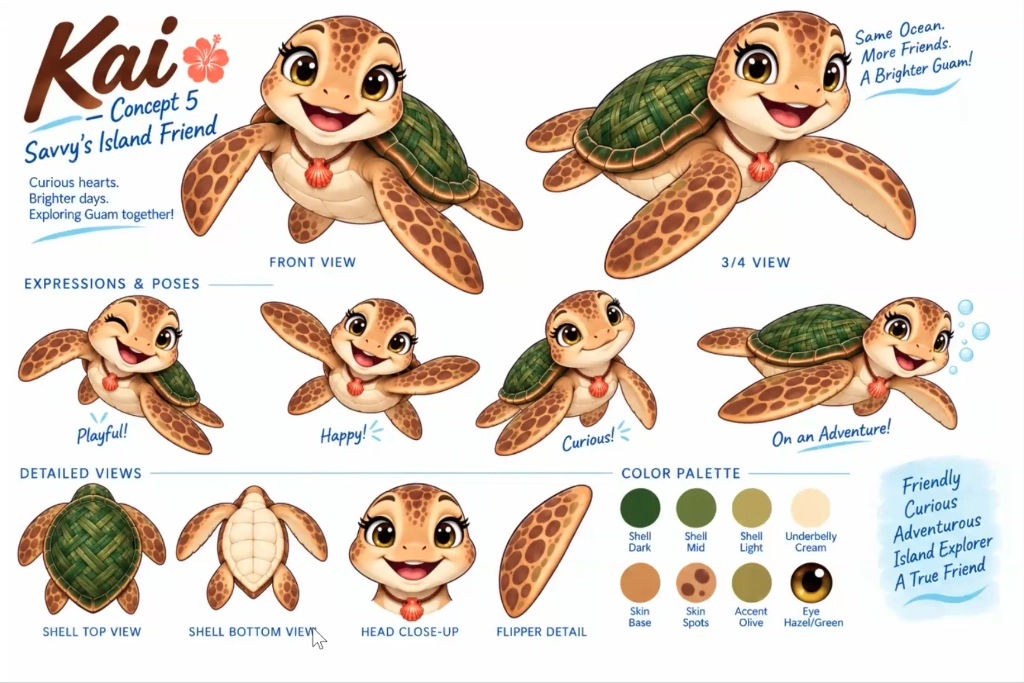
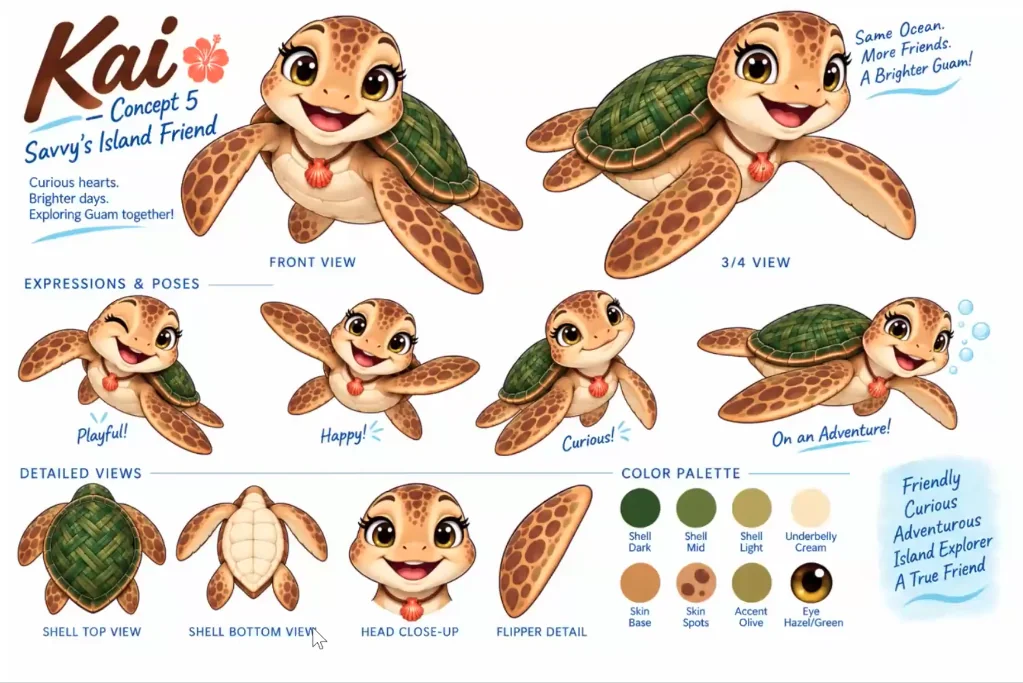
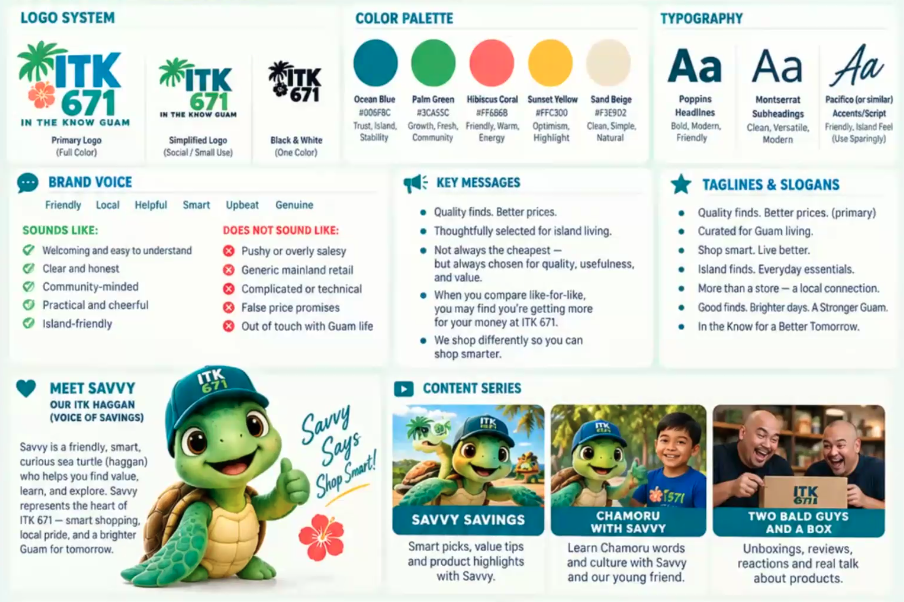
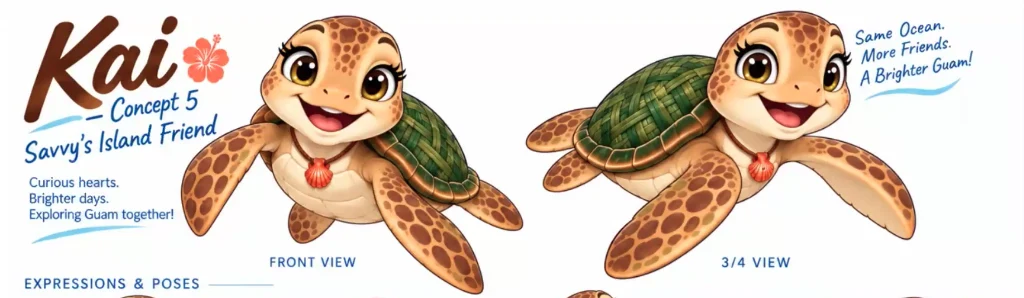
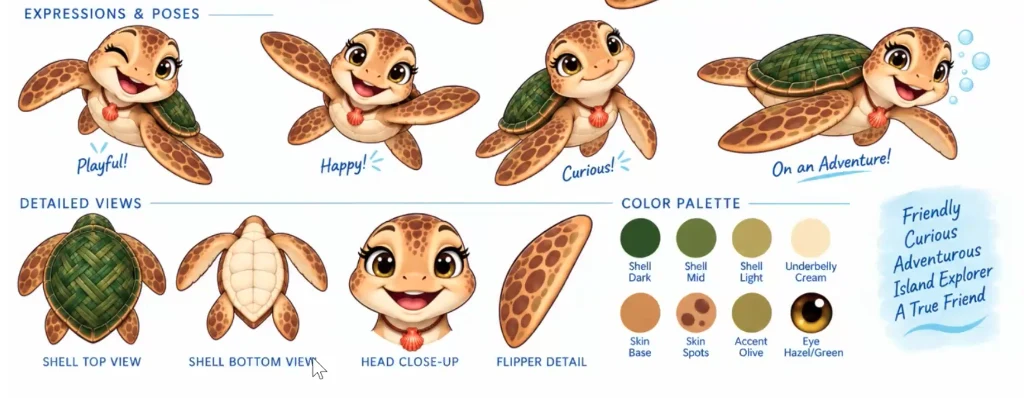
  • Kai turtle character, Norma’s project artwork (not a portrait of Norma)NormaIn the Know Guam · avatar shows her Kai project artwork
    “I started this programme as a nontechie now I'm quarter techie”

    Exact founder-supplied reflection · founder-attested 31 Oct 2026

  • Irene HicksParticipant reflection
    “It's not the knowledge yes the knowledge of AI is good but the programme makes it apply the knowledge and actually use it during our sessions.”

    Exact founder-supplied reflection · founder-attested 31 Oct 2026

  • Irene HicksCertified Founding Cohort graduate · graduation reflection
    “I just want to continue.”

    R3-06 · exact existing reflection

Learners, guests & practitioners

The people in the room.

Roles are shown as recorded. Attending or speaking at a guest session is separate from enrolling in a cohort or earning certification.

  • Jessica Barrett, learner in the Founding and Fall 2026 cohorts
    LearnerJessica BarrettJoined the Founding Cohort partway through; continued in Fall 2026.
  • Brian San Nicholas, attendee at guest practitioner sessions
    Guest-session attendeeBrian San NicholasGuest practitioner session attendee.
  • Senator Telo T. Taitague, guest visitor to SoS AI School sessions
    Guest visitorTelo T. TaitagueSenator · guest visitor.
  • Wagner dos Santos during his SoS AI School guest practitioner session
    Guest practitionerWagner dos SantosBuilding Brands in the AI Era.
  • Vincent Munoz during his SoS AI School guest practitioner session
    Guest practitionerVincent MunozAI, workflow redesign & implementation.
  • Hermine Ngnomire, SoS AI School guest practitioner
    Guest practitionerHermine NgnomireAI to Pivot.

Personal reflections describe individual experience. They are not business endorsements or promises of results.

Over two decades in technology and growth. Practical AI experience today.

RutgersNikeAmerica's
Auction House
MinottiDellVirginVASSYAmpfluence
RocketHubLeadBitesVonageAimfoxReadWriteWebJGSand many more
AI-enabled. Human-led.Save Our Startup commercial studio principle
Real work, not toy exercisesParticipant use cases shape the application
Live + platform learningGuided cohort backed by Mission Control
Responsible AI built inHuman review, verification and judgment
THE REAL PROBLEM

AI isn't hard to find.
Useful AI is.

The problem is not access to information. It is knowing what matters, how to apply it, and how to keep moving when the tools change again next week.

You've opened ChatGPT, got one brilliant answer, and then couldn't reproduce it.
You've saved prompts, tools and videos, but you still don't have a system you trust.
Everyone tells you AI will change work. Almost nobody tells you where to start in your work.
You don't need another “50 AI tools” list. You need capability.
THE SHIFT

From random experimentation
to practical AI readiness.

Eight weeks gives you a structured place to learn, apply, test, ask and build around the use cases that matter to you.

BEFORE
  • “I don't know which AI tools matter.”
  • “I use it, but the results are inconsistent.”
  • “I've heard about agents and automation but haven't implemented anything.”
  • “I'm worried I'm falling behind.”
→
AFTER
  • “I know where AI fits, and where it doesn't.”
  • “I can structure prompts, projects and context intentionally.”
  • “I can identify useful workflows and move ideas toward real builds.”
  • “I have a repeatable way to evaluate what comes next.”
INSIDE THE LIVE COHORT

Learn live.
Build real work. Get real feedback.

The Founding Cohort moved from structured AI practice into prototypes, operational ideas, capstone presentations and a final certification review.

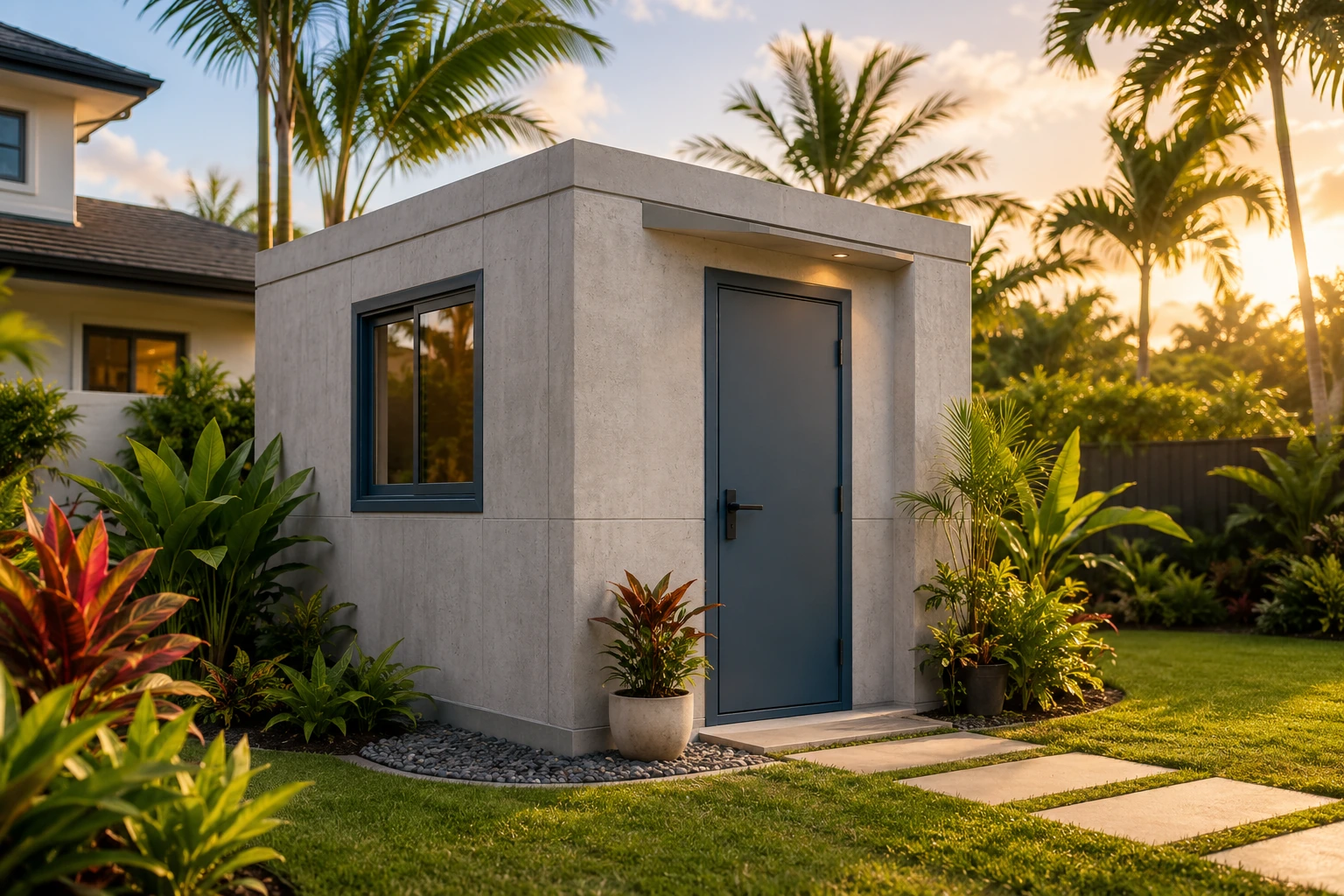
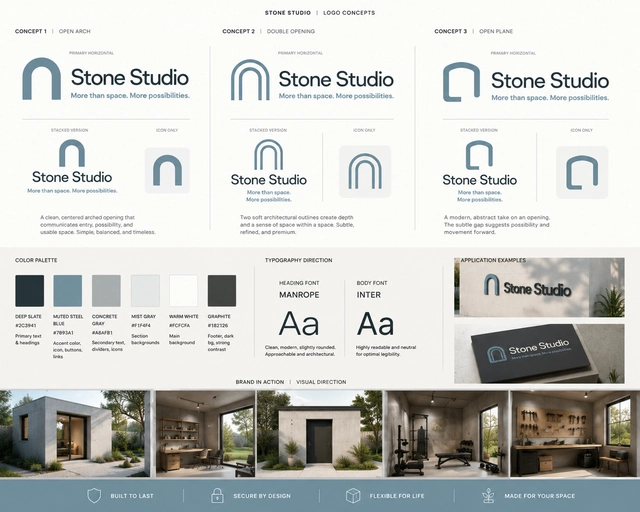
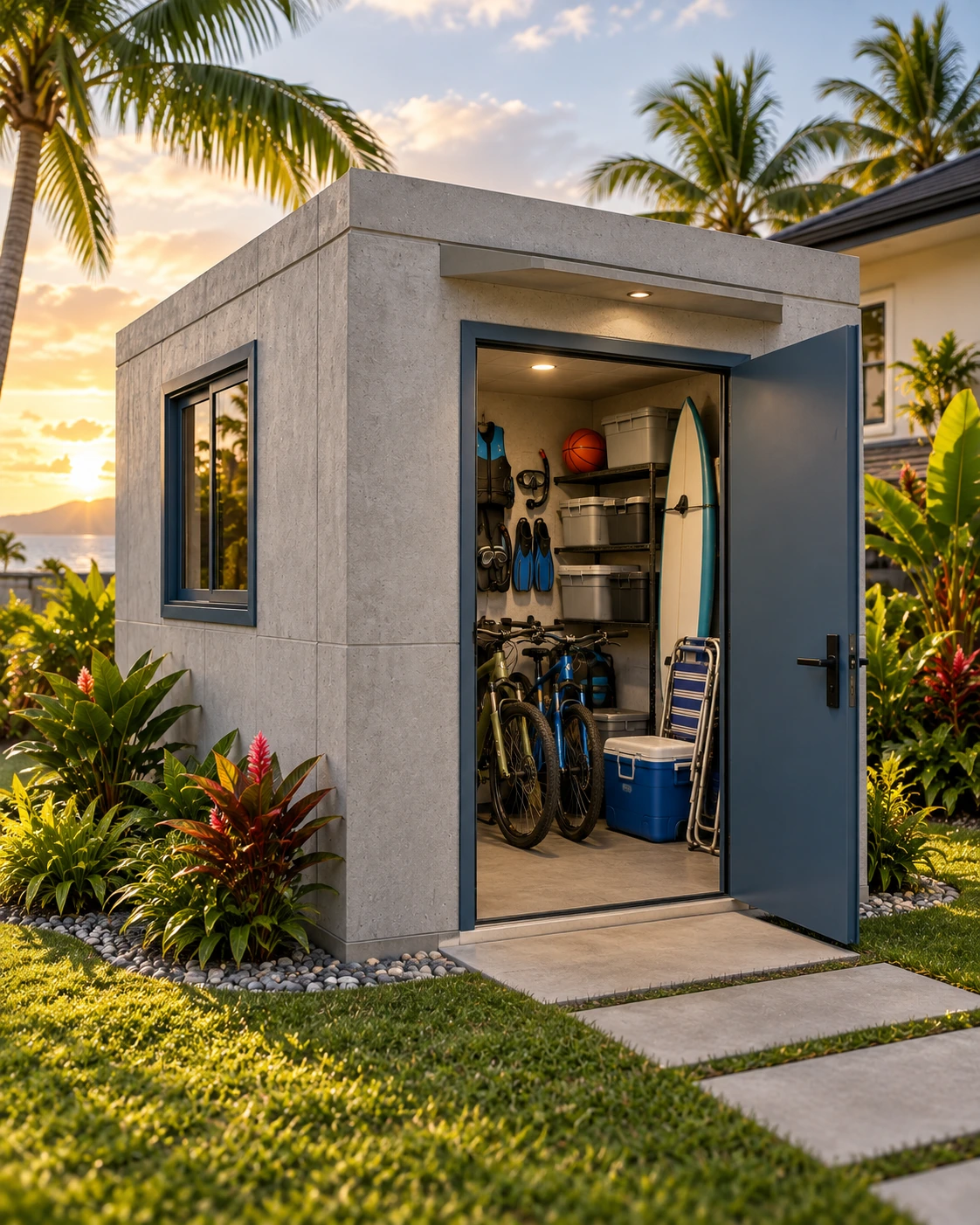
Stone Studio exterior concept visualisation from the learner capstone

Learner concept visualisation

01 / WEEK 8 CAPSTONE

Show the work.

Learners presented their builds, explained what AI contributed and made open questions visible.

Explore the learner projects →
Wagner dos Santos in a real Founding Cohort practitioner session
03 / PRACTITIONER CONTEXT

Experience from outside the classroom.

Guest practitioners connected AI to branding, workflow redesign, implementation and human oversight.

Meet the practitioners →

Founder teaching highlights

See the SoS AI School in action.

Two real founder teaching highlights on search, AI answers and what they mean for your business.

Tigs · Co-founder≈ 3 min

Be the source AI finds.

Clip: AI Zero Click

Tigs explains zero-click marketing and why being a useful, trusted source matters when AI serves answers directly.

Watch on Zoom ↗

Andrea Naomi · Co-founder≈ 8 min

From links to answers.

Clip: AI SEO: Old Search, New Search

Andrea compares traditional search with AI-driven discovery, explaining the role of authentic, useful content in AI answers.

Watch on Zoom ↗

Photos are founder portraits, not clip stills. Open a player, then use Zoom’s playback controls. Transcript and sharing remain available in Zoom.

See tuition and enrolment ↓

01 / The learning experience

Four ways to learn.
One practical experience.

Live guidance, useful demonstrations and room to practise. The learning continues between sessions, around the work that matters to you.

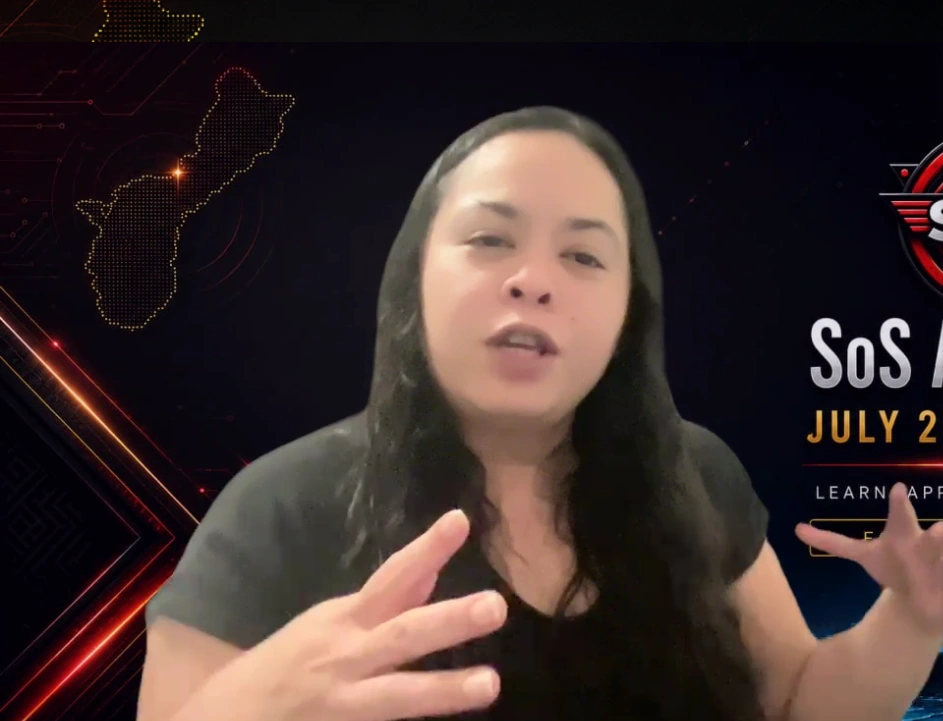
Andrea Naomi teaching in the original School cohort setting
Weekly live deep divesOriginal School teaching frame. July 2026 cohort backdrop; exact frame time unknown.
AI-enabled. Human-led.

Select a learning layer to change the supporting evidence image.

Weekly live deep dives

Ask questions, see the thinking and work through practical AI ideas with instructors.

Demonstrations & observing builds

Watch ideas being questioned, tested and refined. Learn from the decisions behind the work.

Self-paced resources & Mission Control

Revisit your Readiness course area, included cohort resources and recordings between sessions.

Live exercises & supported practice

Apply the ideas to a specific problem, improve the output and practise explaining your choices.

  1. 01Bring a questionFrom your own business, in the live deep dive.
  2. 02Watch it demonstratedA founder or practitioner works it through on screen.
  3. 03Make your own attemptUsing the self-paced resources in Mission Control.
  4. 04Get feedbackIn live exercises and supported practice.

Included Readiness access: 12 months from the official cohort start for the Readiness course area and included cohort resources. Builders Club is a separate implementation membership; unlimited ongoing Builders sessions are not included.

FALL 2026 · CURRENT COHORT PROGRAMME ACTIVE NOW

Inside the Fall 2026 cohort.

Returning and new participants joined the Fall 2026 cohort: live onboarding took place on September 26, and Week 1 opened on September 28.

SEPTEMBER 26Live onboarding

Orientation and programme entry for the current Fall cohort.

SEPTEMBER 28Week 1 opens

Learners move into Mission Control and the first programme week.

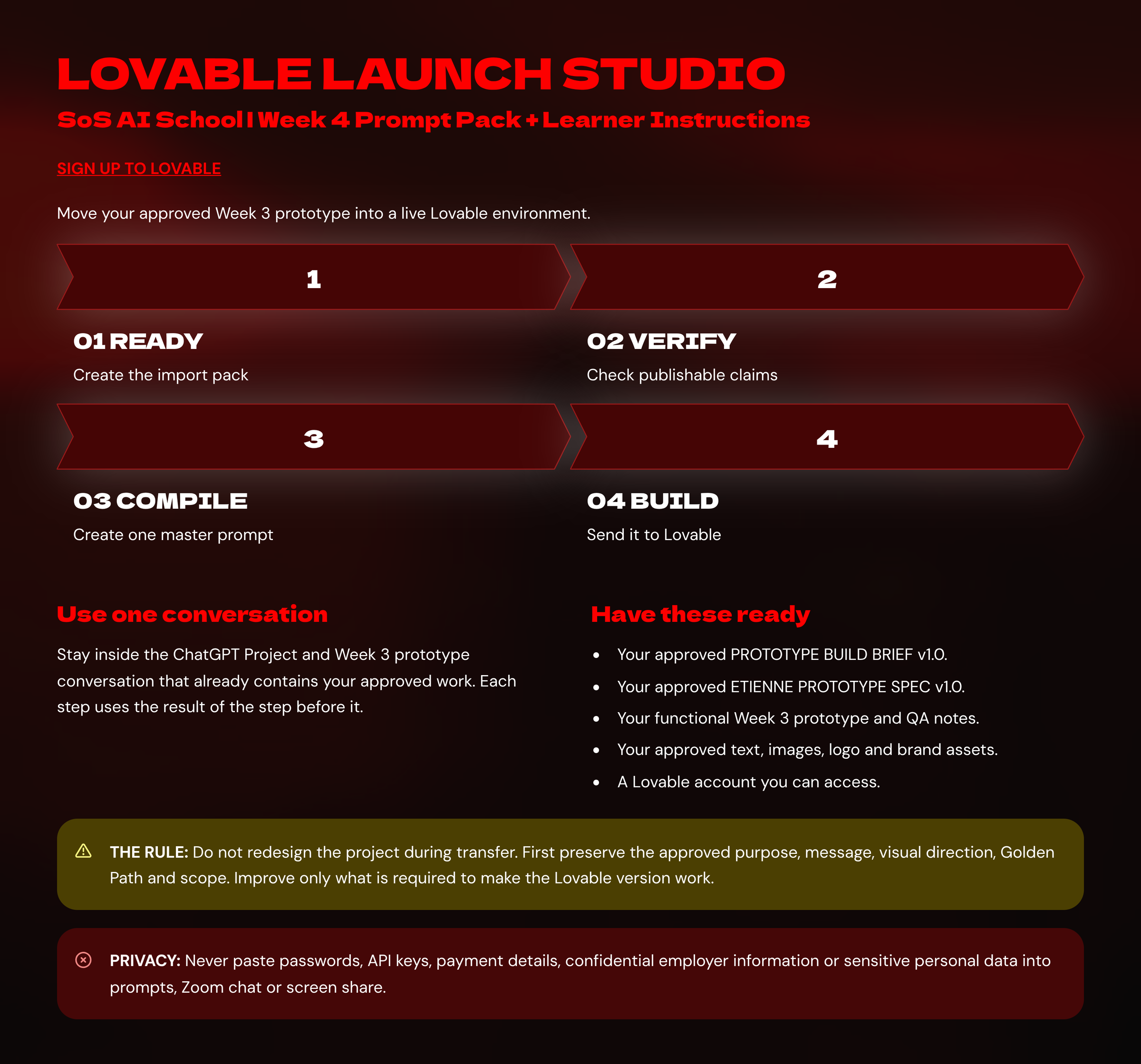
Original Week 4 build, verify and launch studio instructions from the SoS AI School curriculum
Original Week 4 curriculum material, shown for context. It is not a frame from the October 25 session.

· Week 4 live deep dive

Inside a live deep dive: structure before you publish.

The founder-led session worked through how a website's content is organised before anything goes live: what each page section is for, headings written with search in mind, and reviewing the sources behind the copy.

Later in the session the room returned to a simple frame for the programme: start from an actual business problem, not from pictures or prototypes alone.

Summarised from the session recording, which is not published. This describes how the session was taught; it is not a learner outcome.

From prompt to workflow

How the learning gets applied.

Three patterns we see again and again. They show the approach, not a guaranteed result.

  1. Before

    Explaining a plumbing service in words.

    Approach

    Break the visit into stages and ask who needs what.

    Applied

    A guided customer and apprentice experience prototype.

  2. Before

    Imagining a space or a market.

    Approach

    Describe zones, uses and views, then iterate visually.

    Applied

    An explorable visual prototype to react to.

  3. Before

    Scattered operational tasks.

    Approach

    Map the steps and decide where a person checks.

    Applied

    A bounded workflow design with human review. Not a live automation.

October 2026 · Builders live lab

Prototypes in progress.

This is Builders Club work from October 2026, kept separate from the Founding Cohort capstones below. Builders is a separate membership; Readiness does not include unlimited Builders sessions.

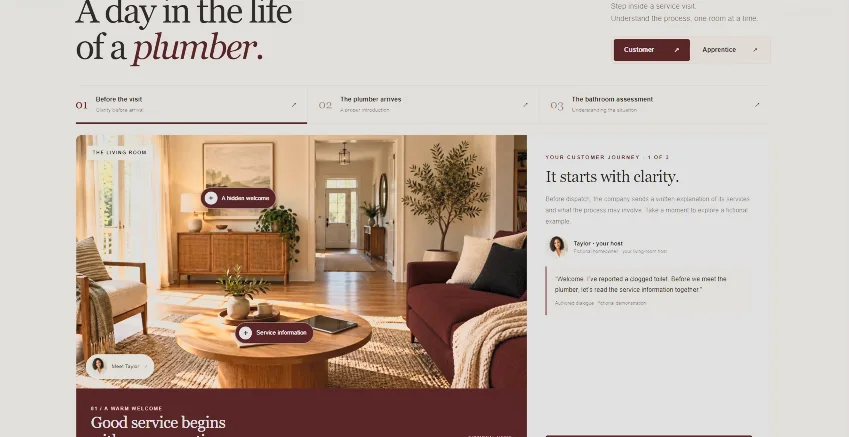
A day in the life of a plumber prototype showing Customer and Apprentice paths, service-visit stages and an interactive roomView larger: A day in the life of a plumber
Screenshot of the prototype, cropped only to remove private screen surroundings. Not an interactive embed.
Prototype · in development

Jessica Barrett · JMB Plumbing

A day in the life of a plumber

Purpose
To explain a plumbing service visit to customers and new apprentices, step by step.
What the screenshot shows
A working-screen prototype with separate Customer and Apprentice paths, service-visit stages and an interactive room.
Limits
Not accredited apprenticeship training and not a launched product.
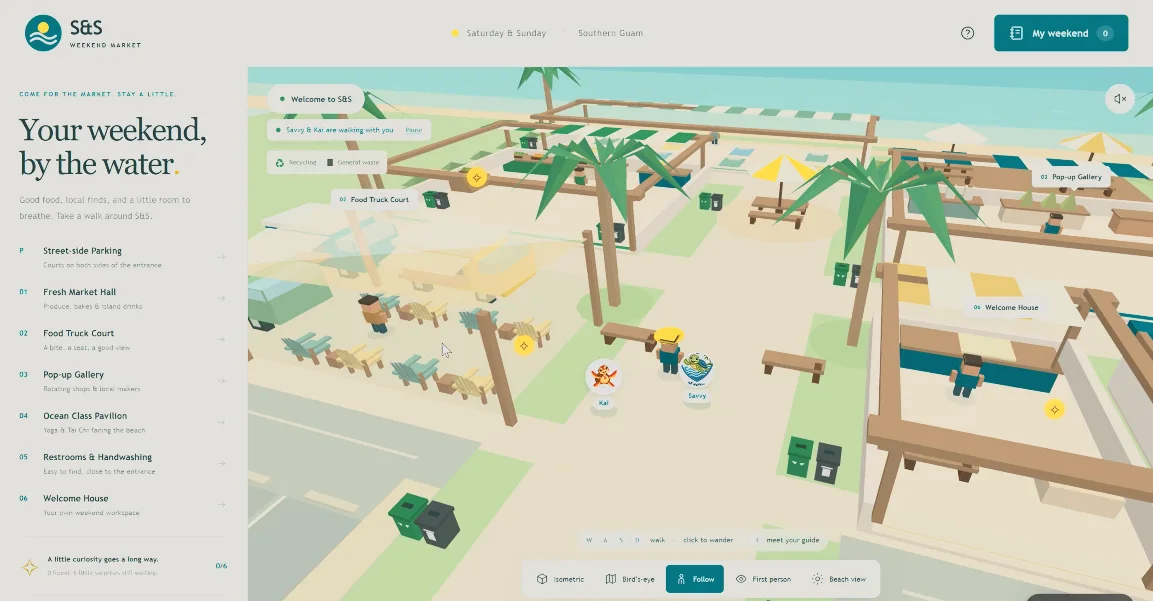
S&S Weekend Market beachside marketplace prototype with market hall, food-truck court, gallery, welcome house and viewpoint controlsView larger: An explorable weekend market
Screenshot of the prototype, cropped only to remove private screen surroundings. Not an interactive embed.
Experiment · prototype

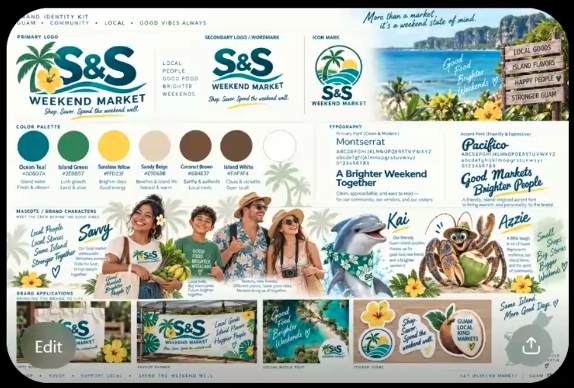
Norma · S&S Weekend Market

An explorable weekend market

Purpose
To picture a beachside market before committing to it, and reuse her existing S&S design and colours.
What the screenshot shows
A virtual-world experiment with a market hall, food-truck court, gallery, welcome house and viewpoint controls.
Limits
No launched marketplace, vendors or revenue are implied.
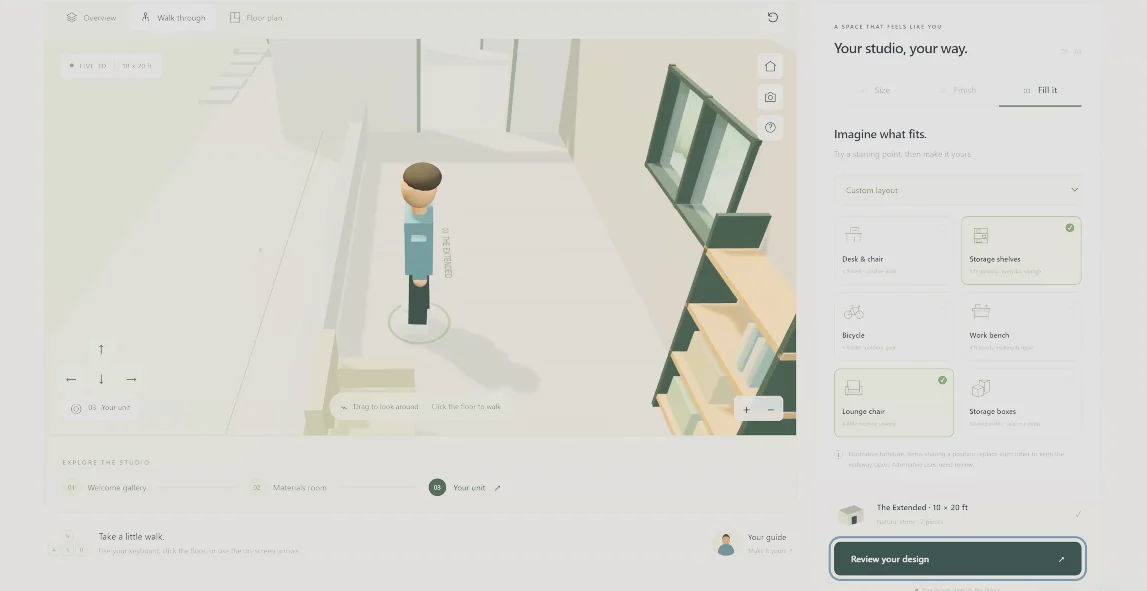
Stone Studio exploration with an avatar walking through a model with furniture and layout choicesView larger: Walking through Stone Studio
Screenshot of the prototype, cropped only to remove private screen surroundings. Not an interactive embed.
Later development · prototype

Irene Hicks · Stone Studio

Walking through Stone Studio

Purpose
To test furniture and layout choices for Stone Studio from the inside.
What the screenshot shows
A later exploration where an avatar walks through a model of the space. Shown as captured; the screen was dimmed at the time.
Limits
Later work after her capstone, not retroactive capstone evidence. Not a built or installed unit.

Project index

  • Capstone + later prototypeStone StudioIrene Hicks. Capstone evidence below; the walkthrough above is later development.
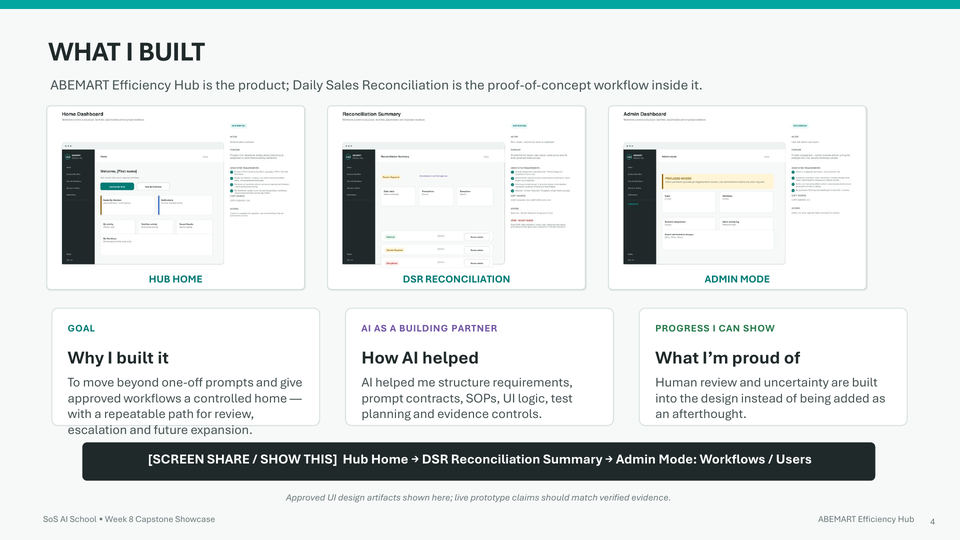
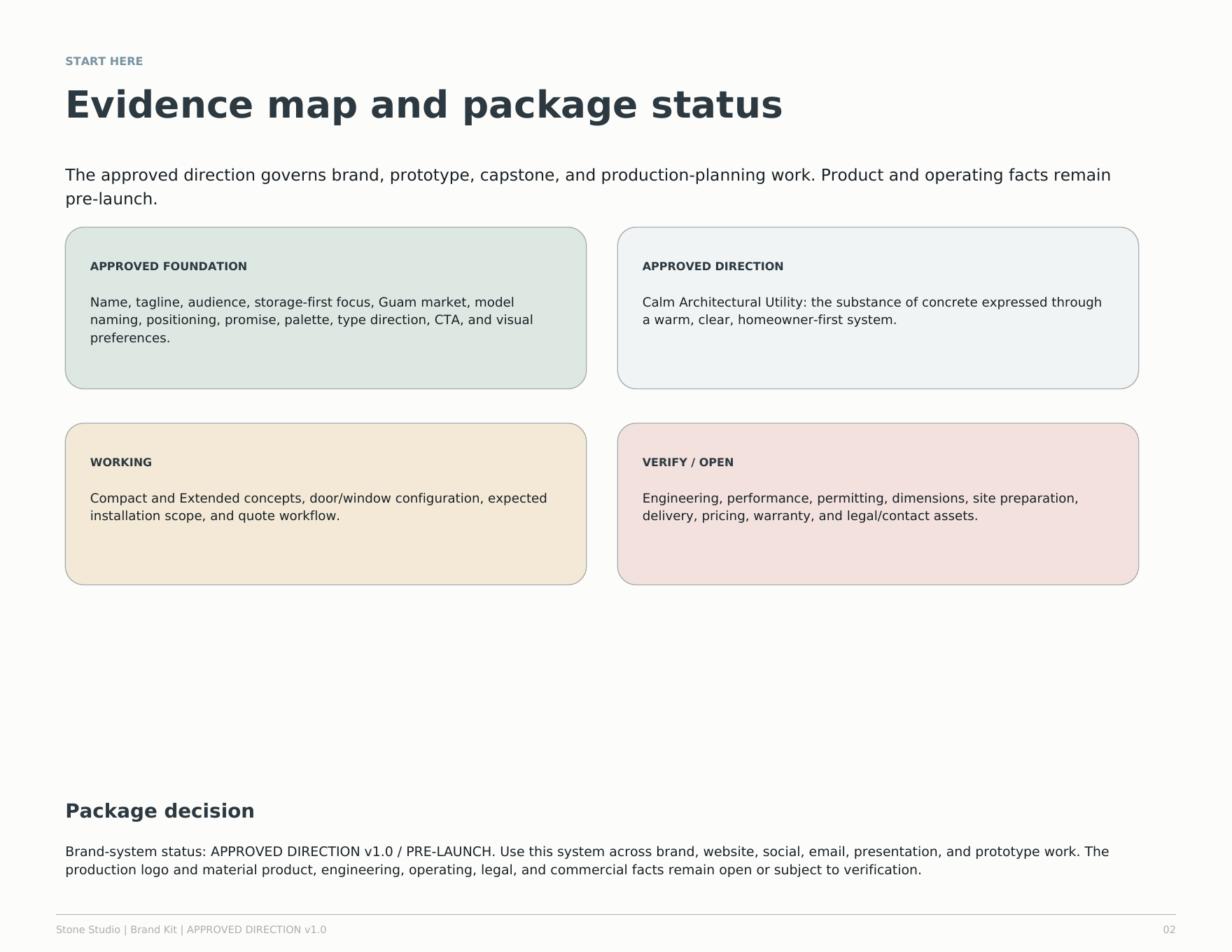
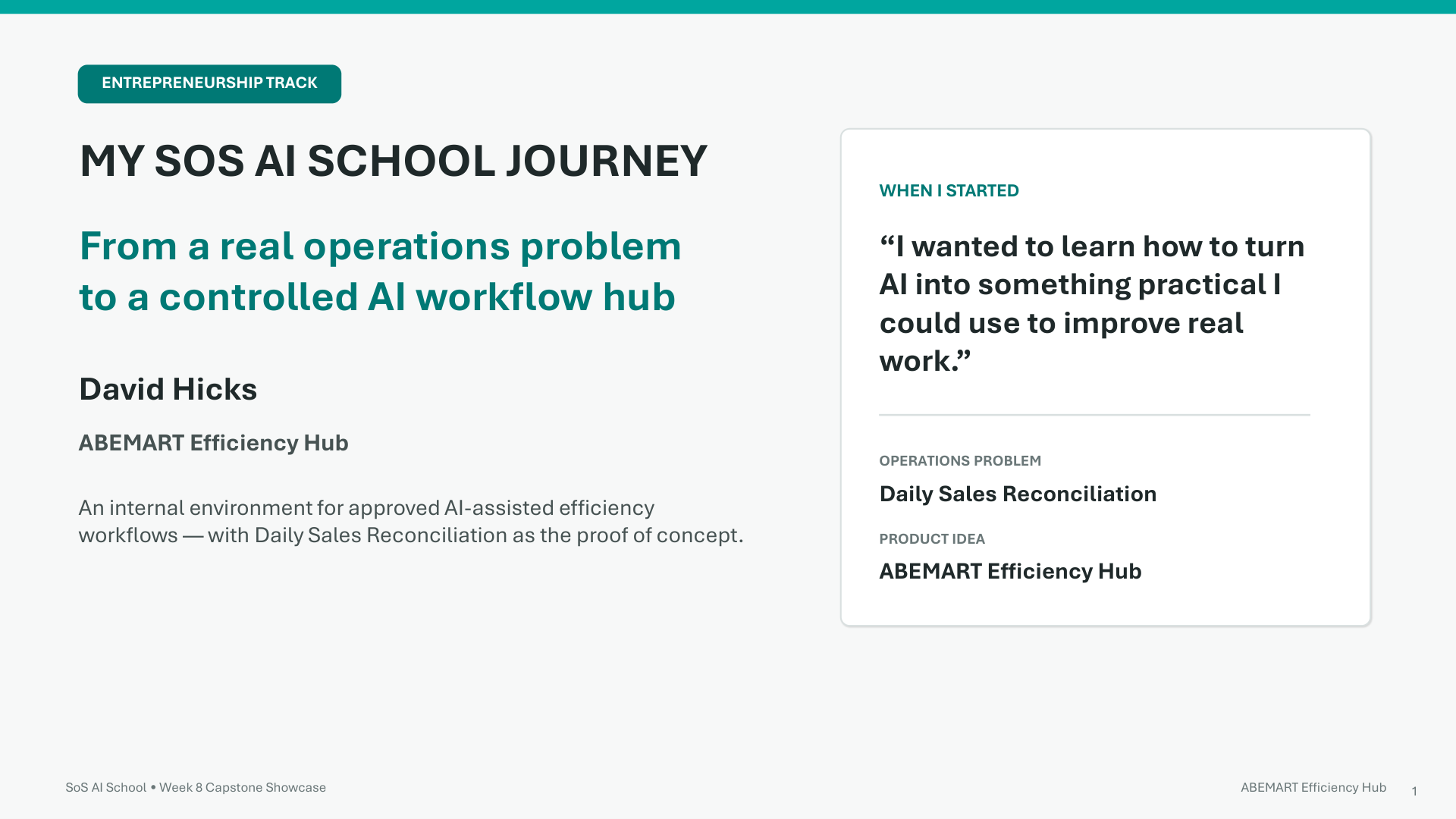
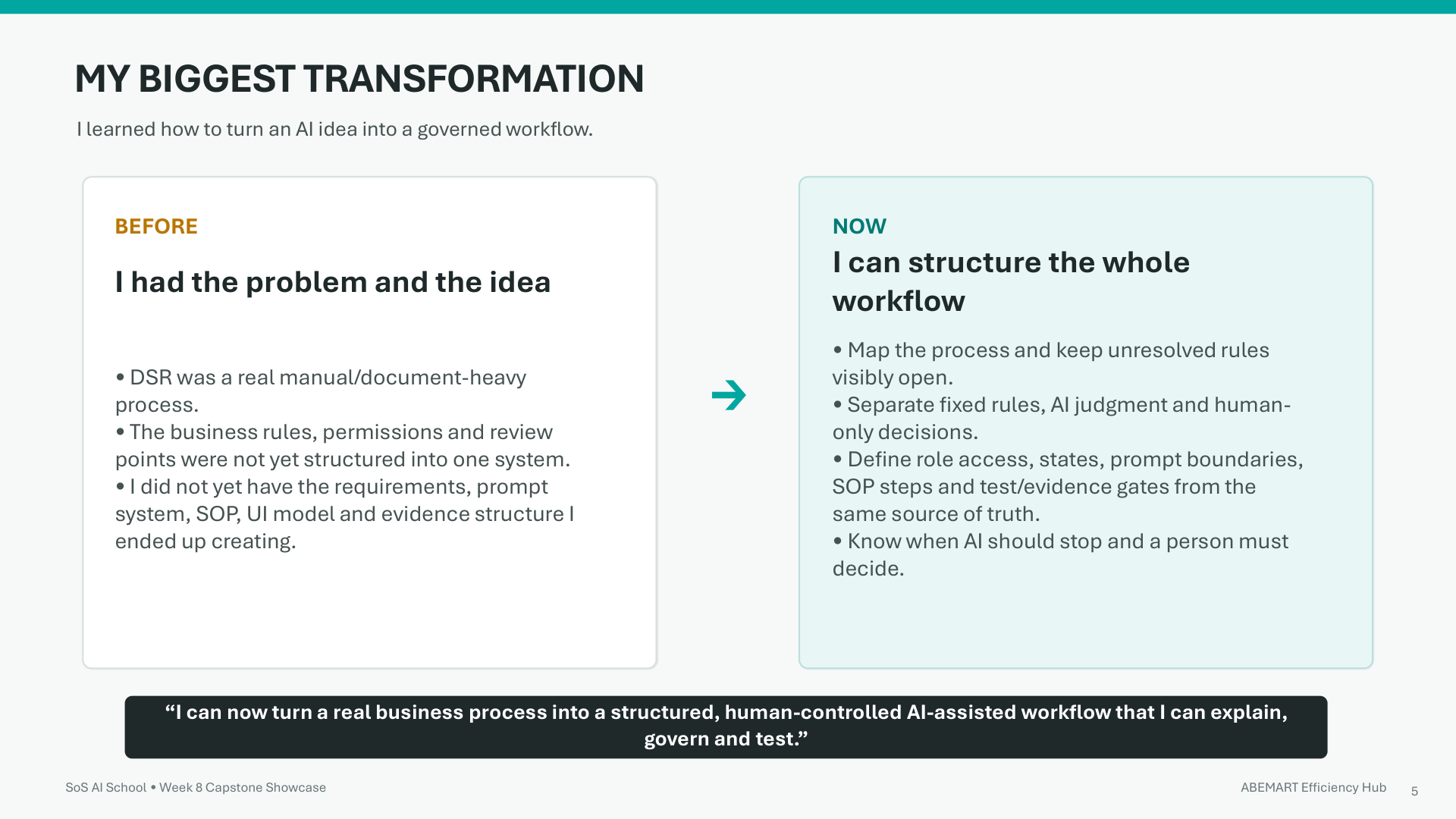
  • Capstone · UI / workflowABEMART Efficiency HubOriginal capstone interface evidence below. No deployment, adoption or savings claim.
  • Builders prototypeS&S Weekend MarketNorma. Also referred to as S&S Mart / S&S Market.
  • Builders prototypePlumber Interactive StudioJessica Barrett, JMB Plumbing. “A day in the life of a plumber”.
  • Workflow designAccounting use caseAn accounts-receivable workflow design and early agent work, documented in session notes. Not a live QuickBooks integration or a financial result.
  • Project idea · proposedGuam DirectoryAn original brief concept. Not a completed case study.
  • Project idea · proposedWiser VibesAn original brief concept. Not a completed case study.
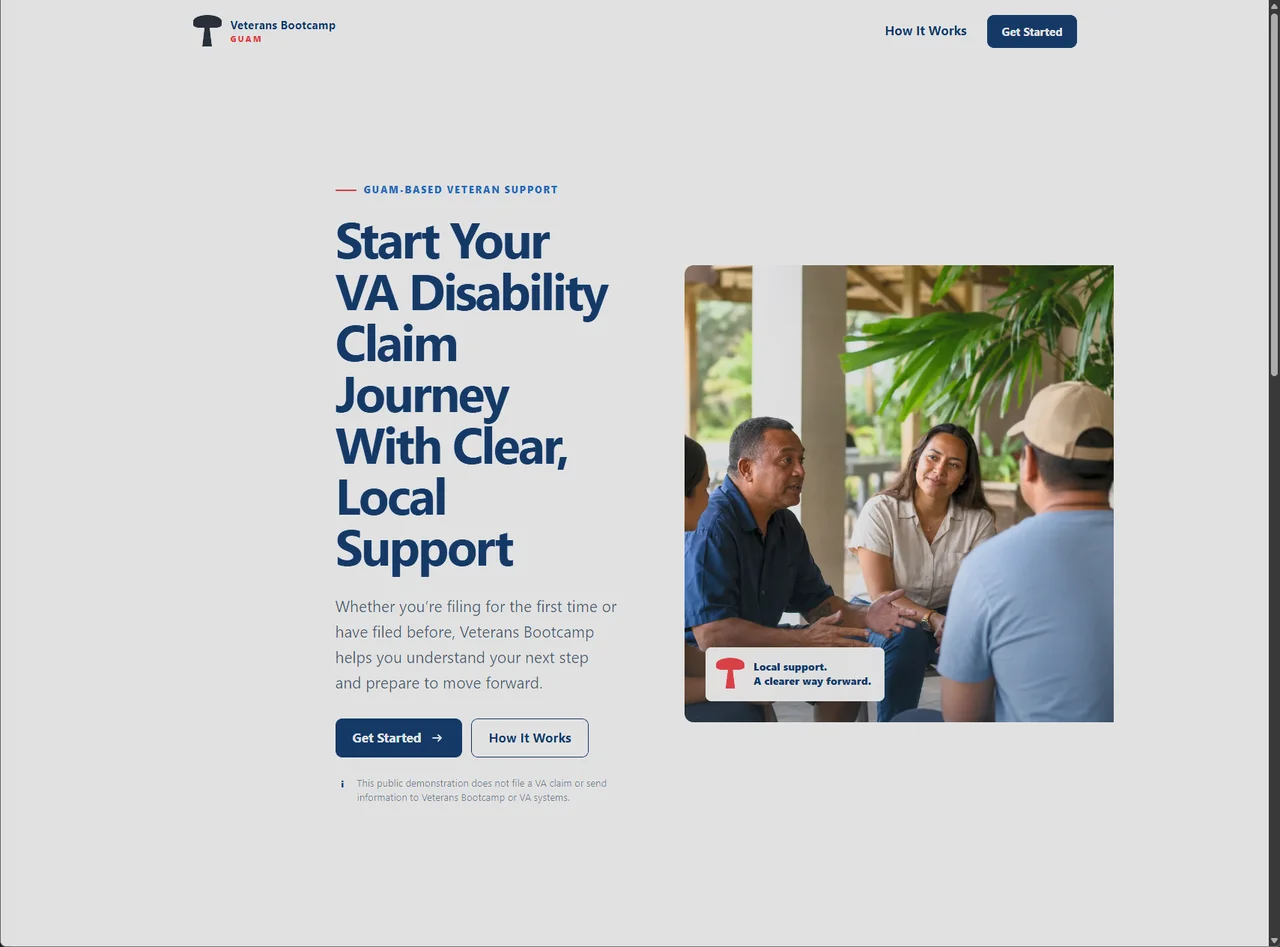
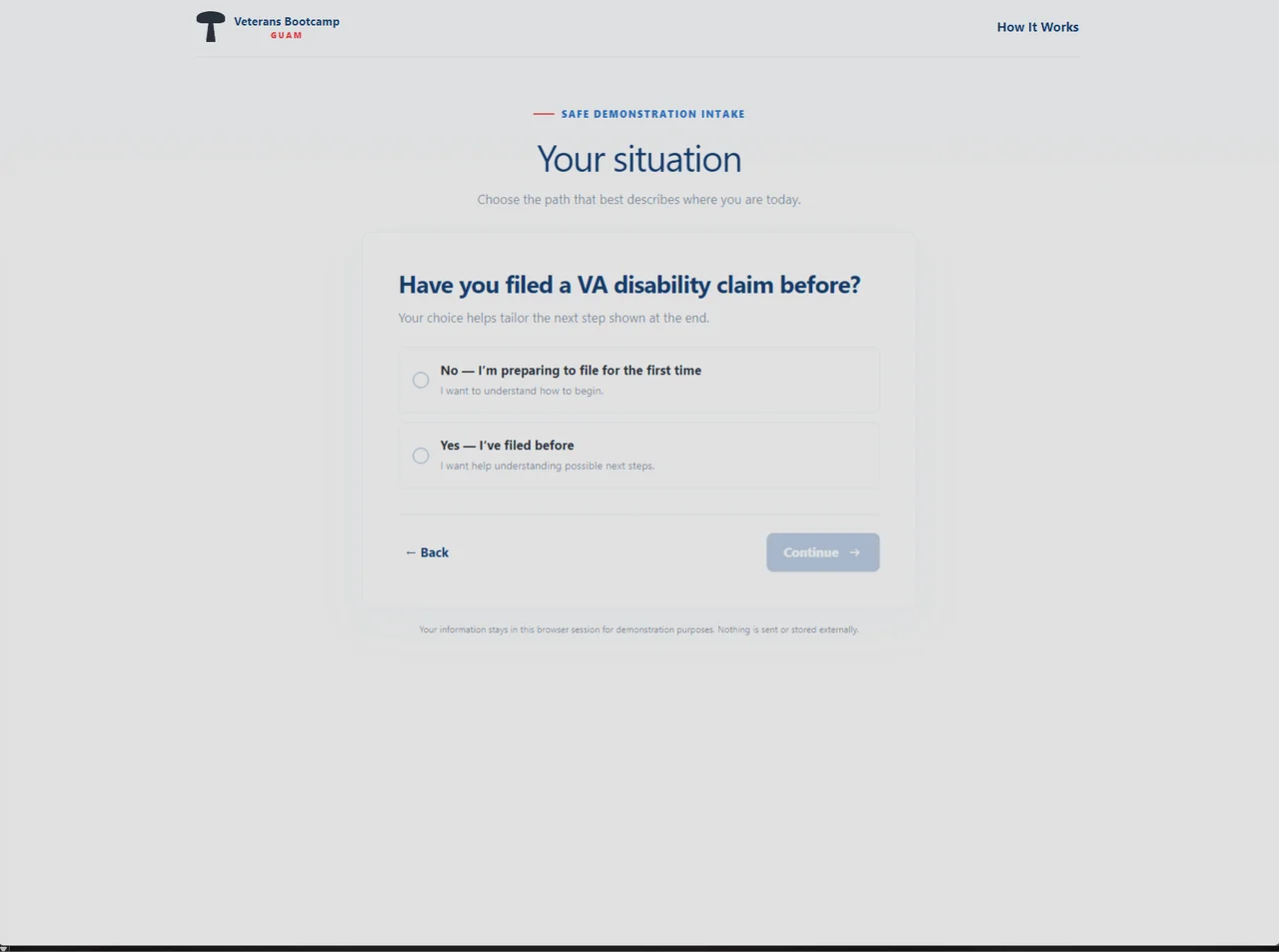
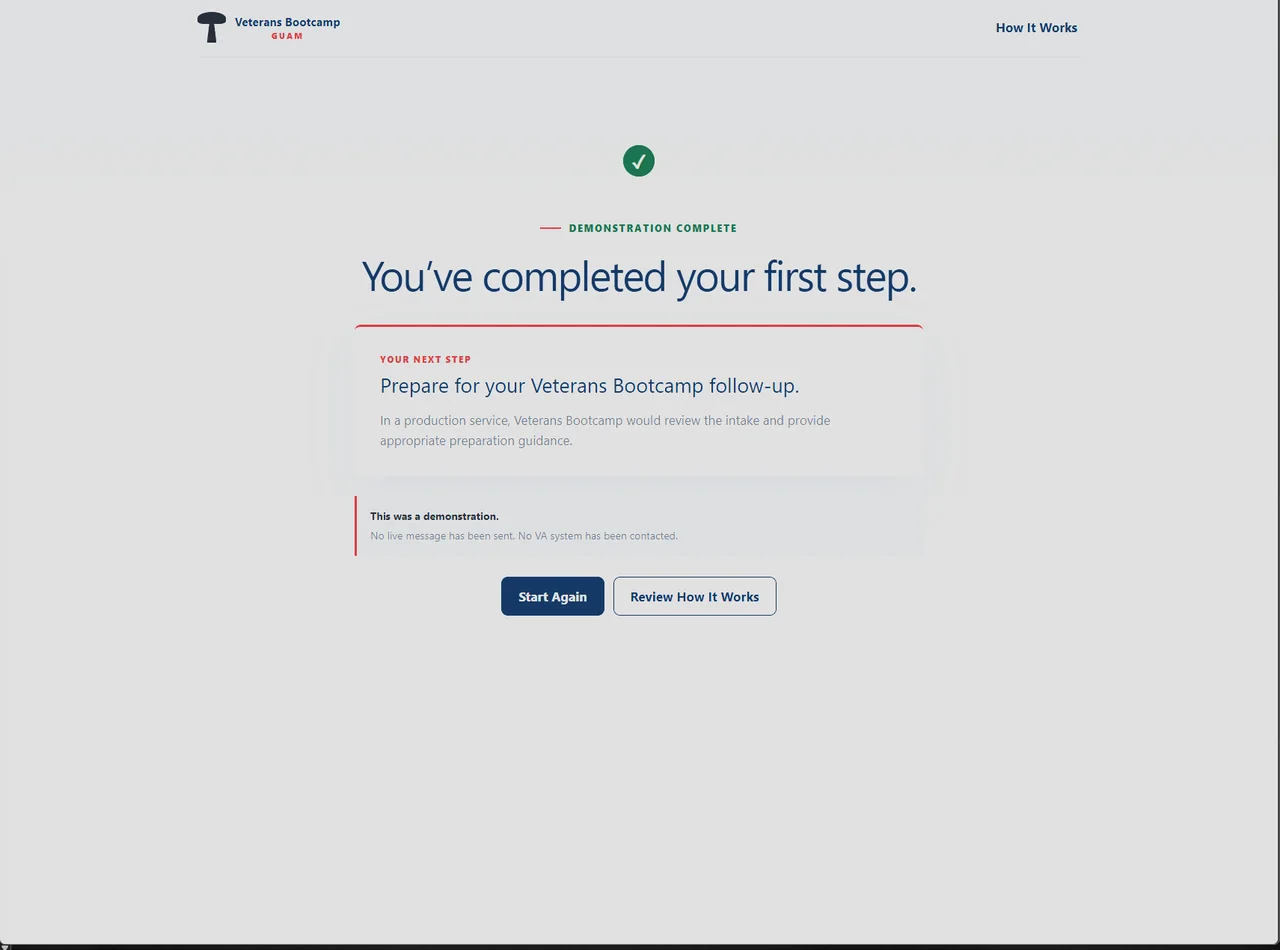
  • Demonstration prototypeVeterans Bootcamp GuamMarcella. A guided-intake demonstration website; not a live claims service.
Learn from people who build

Founder demonstrations.

The founders build in the open too. These are their own experiments, not learner work.

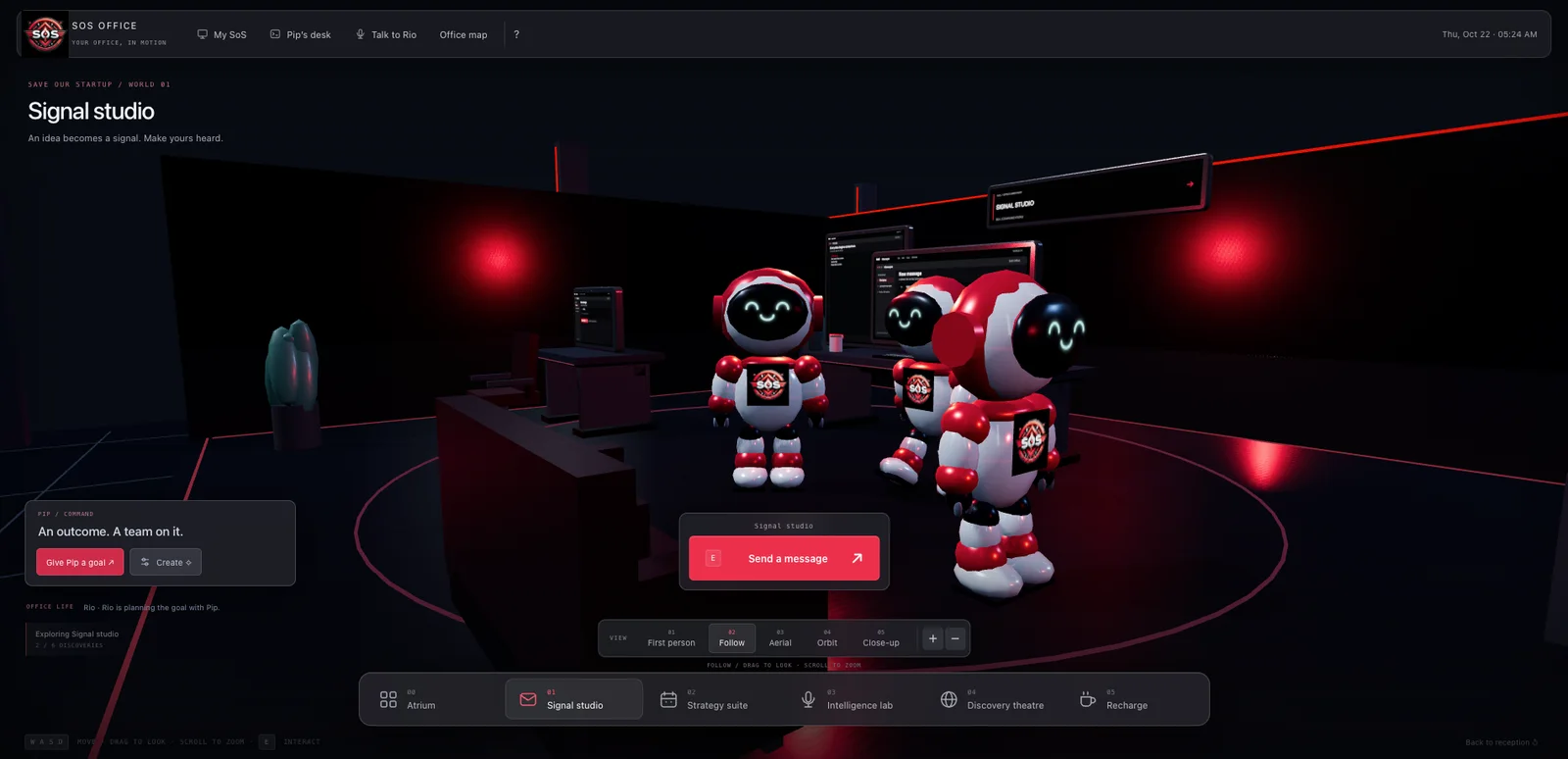
SoS Office / Signal studio founder demonstration with robot characters and an agent workspace conceptView larger: SoS Office
Andrea Naomi · SoS Office Founder experiment: an agent workspace concept. Not proof of working integrations.
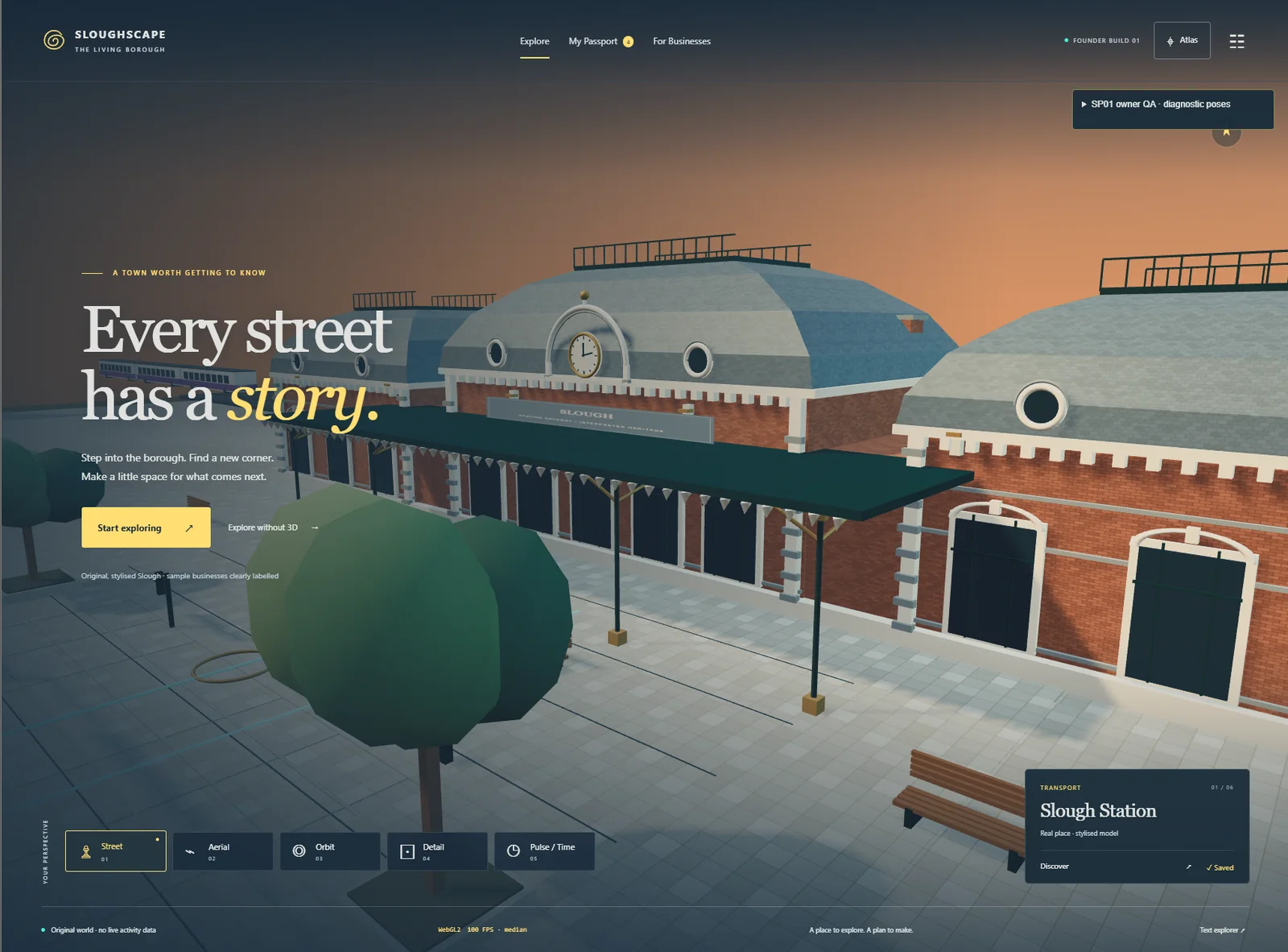
SloughScape stylised local-discovery world founder demonstration, with an on-screen owner QA debug labelView larger: SloughScape
Tigz · SloughScape Founder experiment: a stylised local-discovery world. The corner label is an in-progress debug tag.

THE GUAM AI SCHOOL COMMUNITY

A school rooted in real people.

Learning starts with people showing up, sharing ideas and taking the next step together.

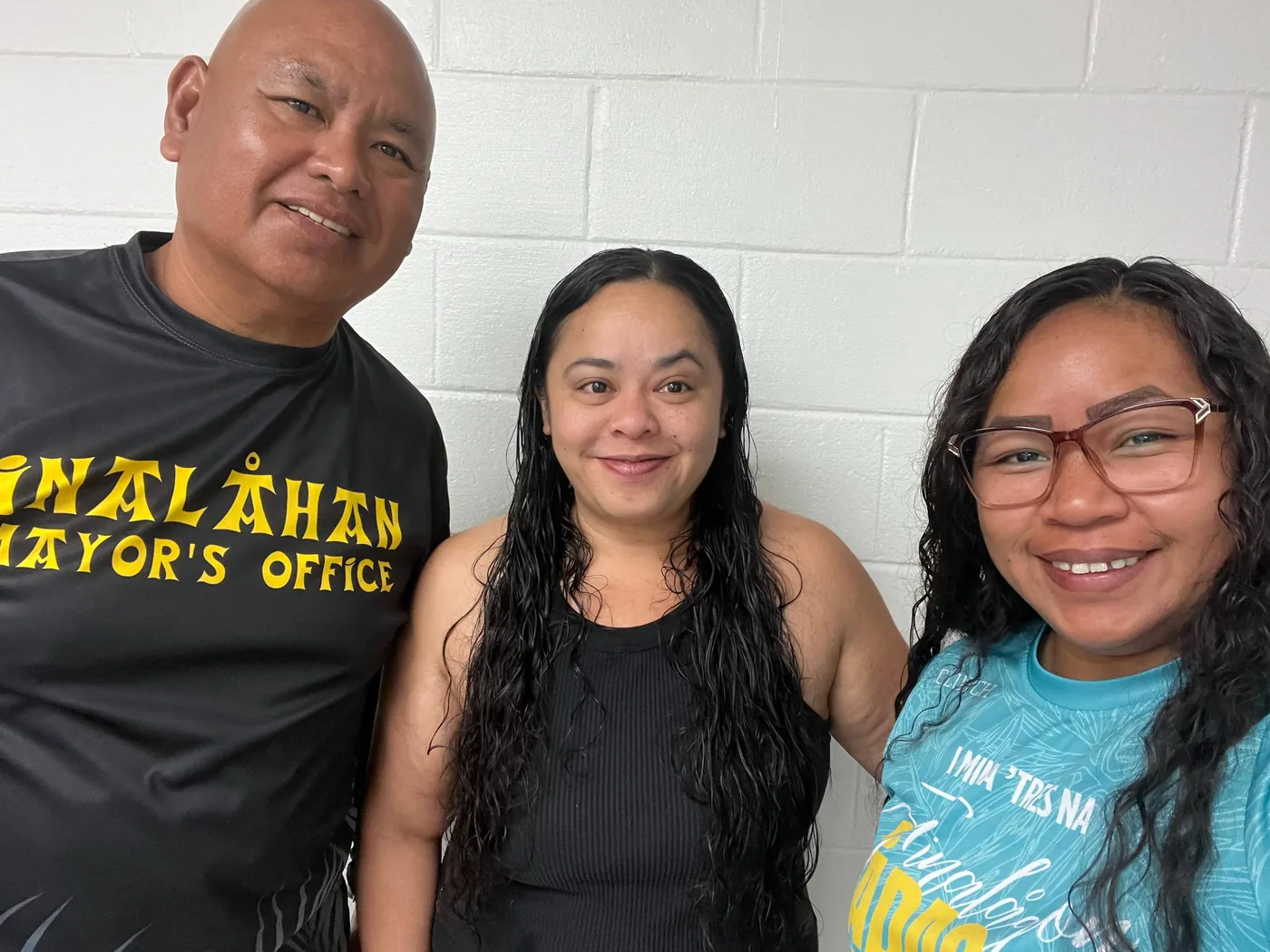
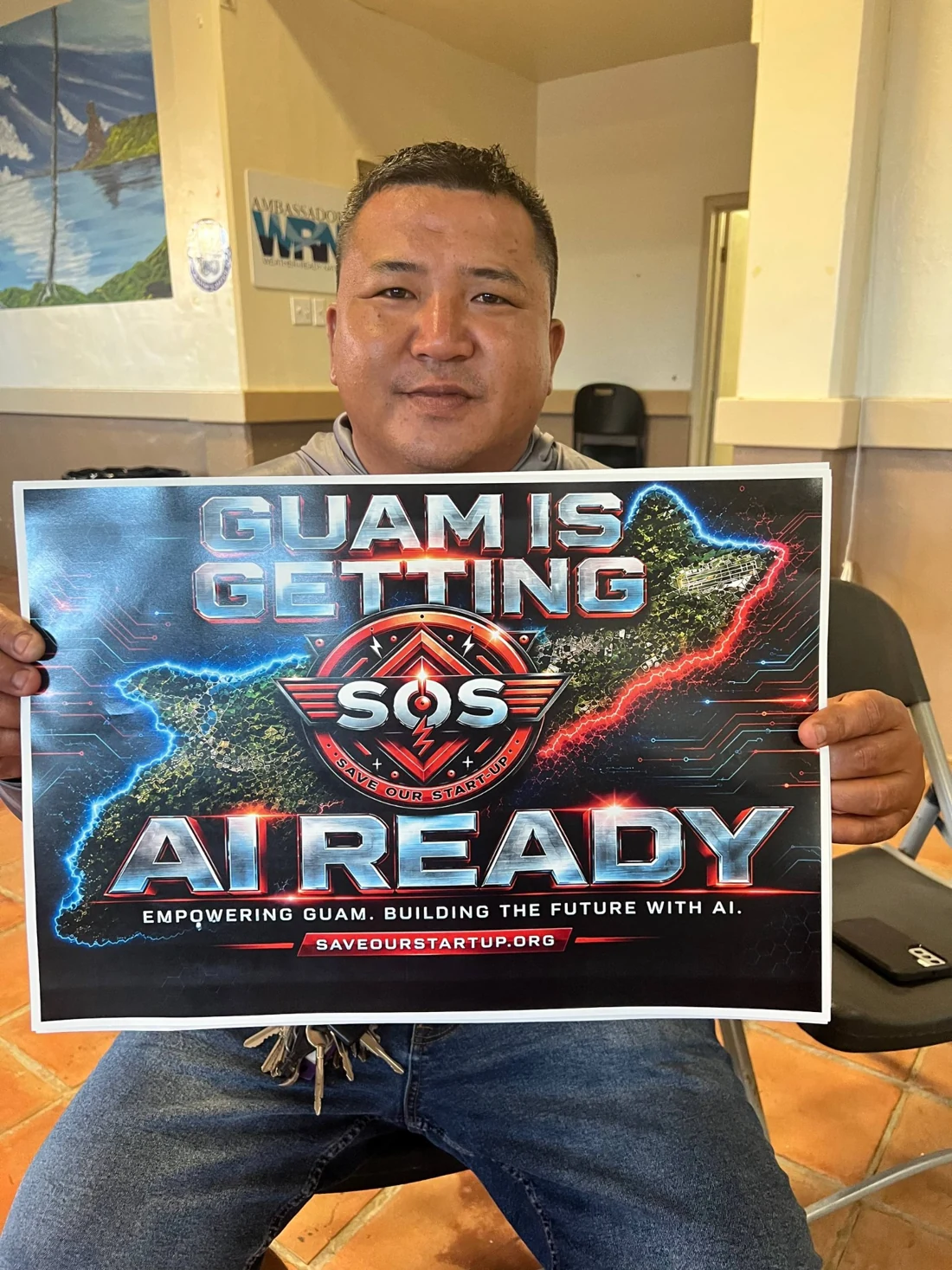
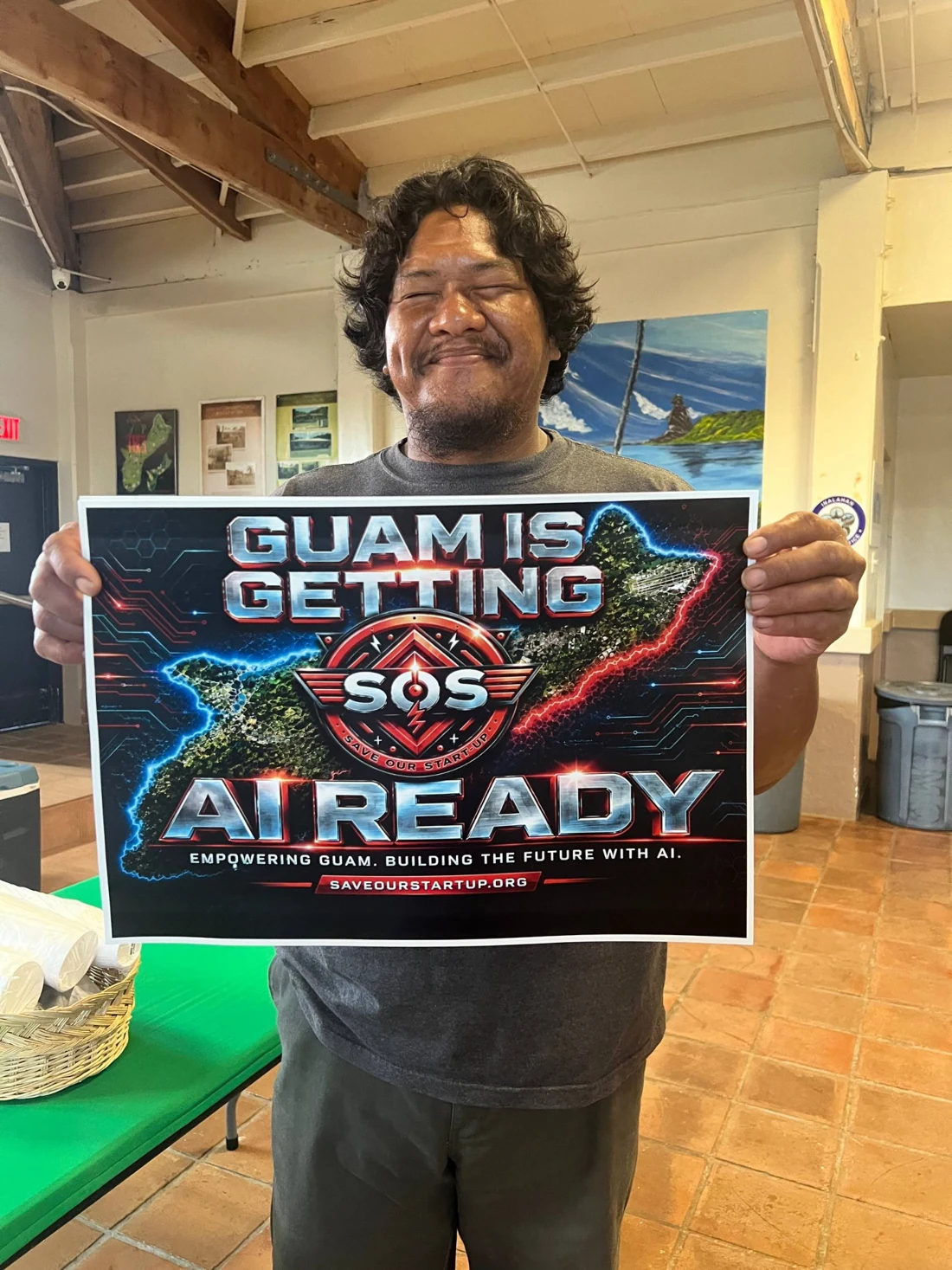
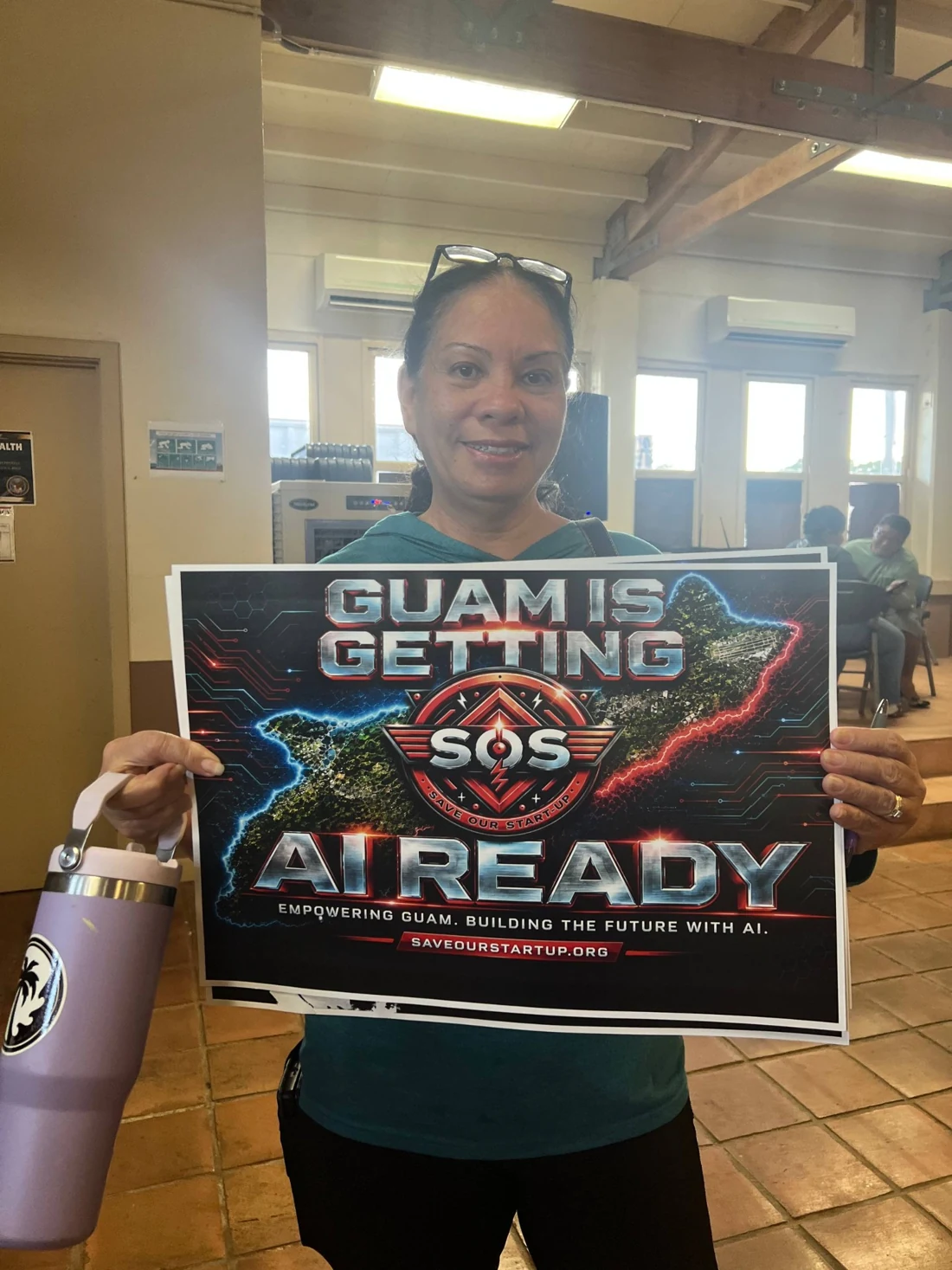
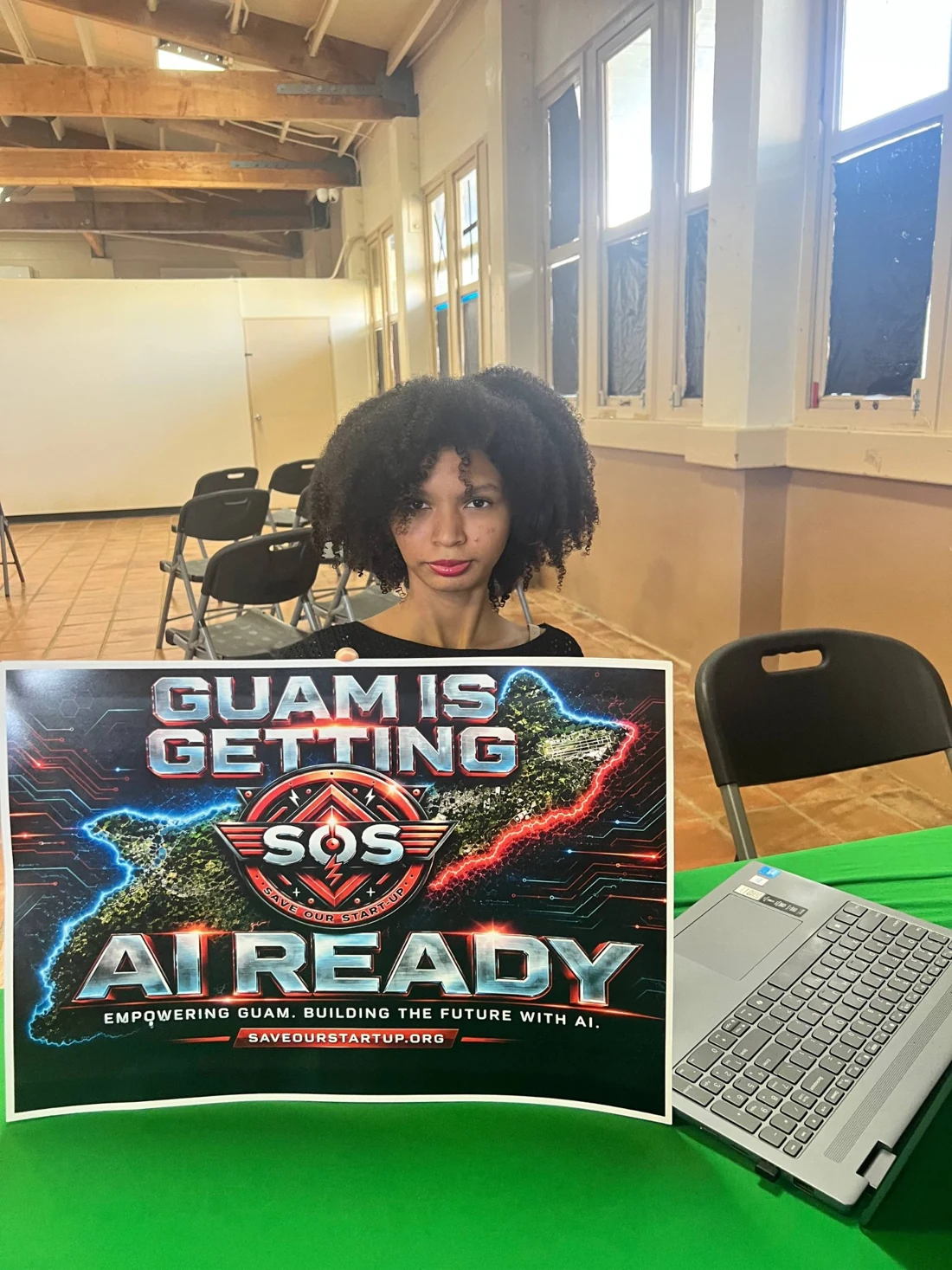
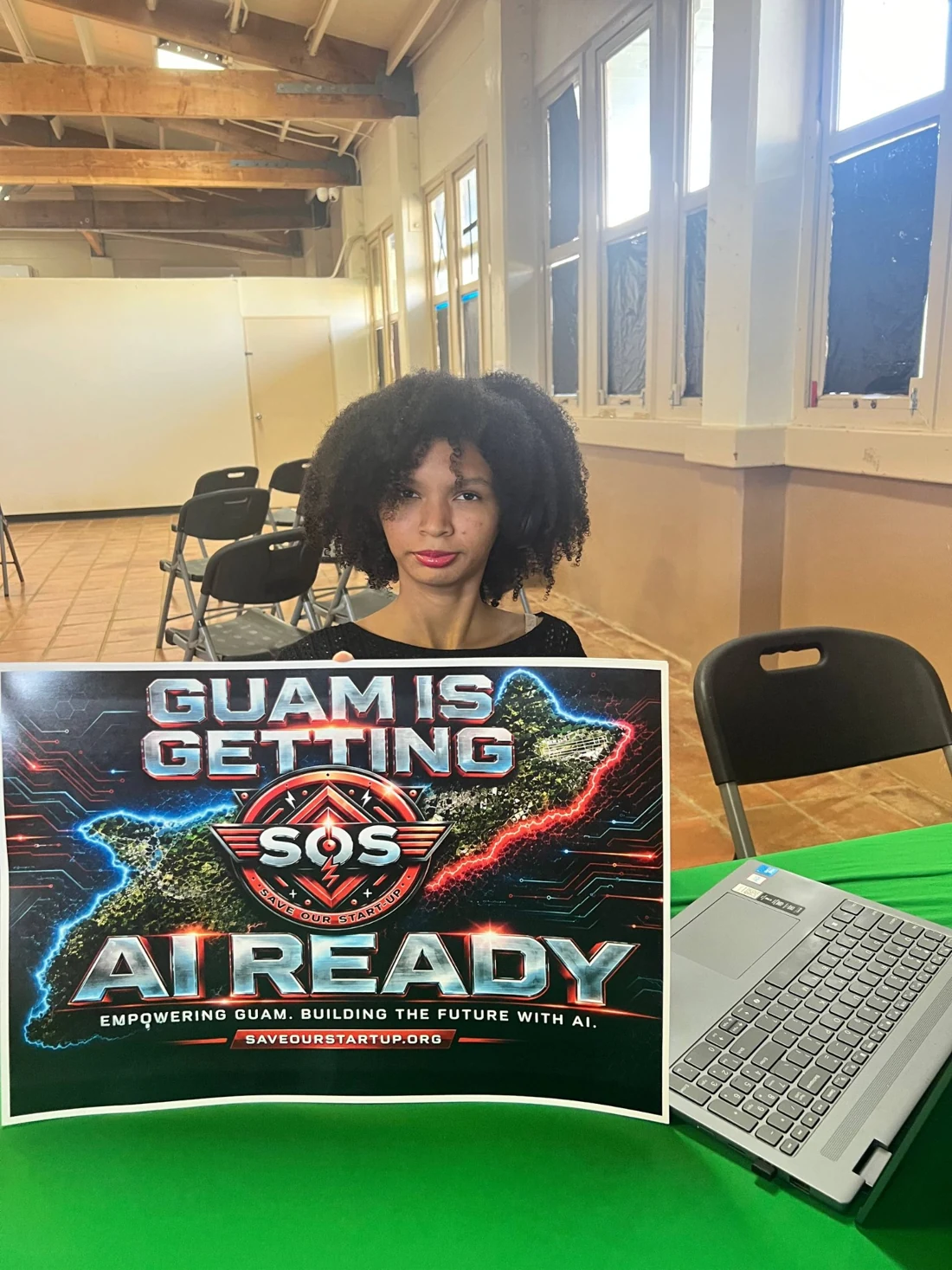
Three community members together in Guam.
Community connectionsA moment from the Guam AI School community.
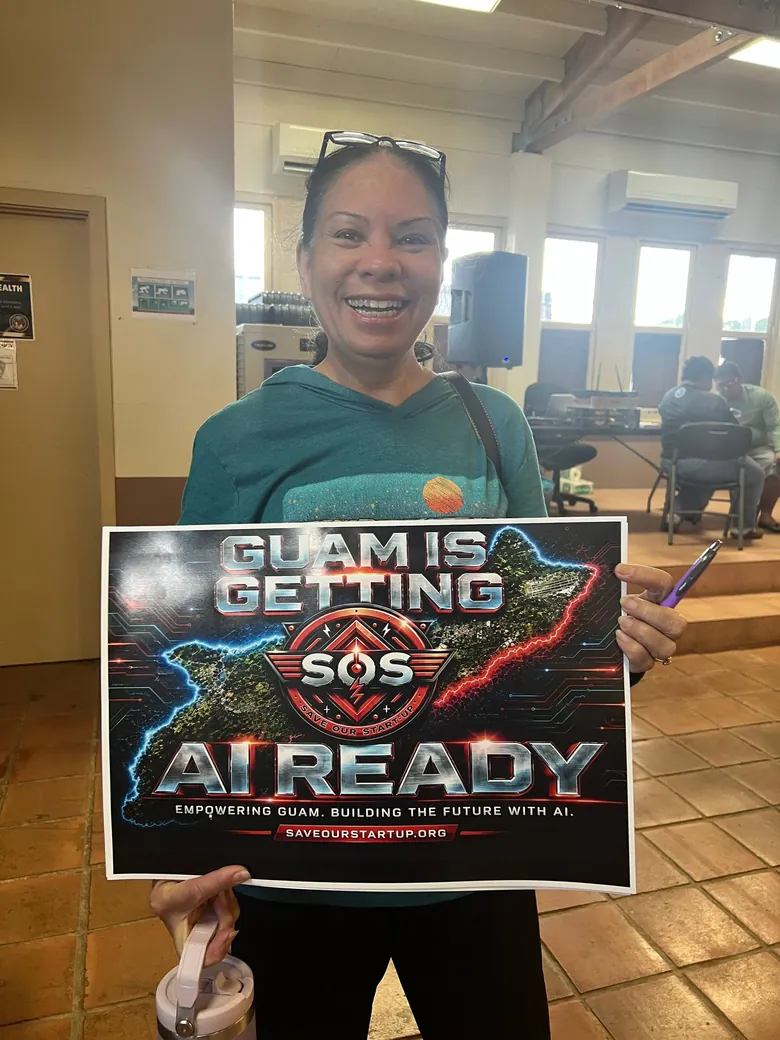
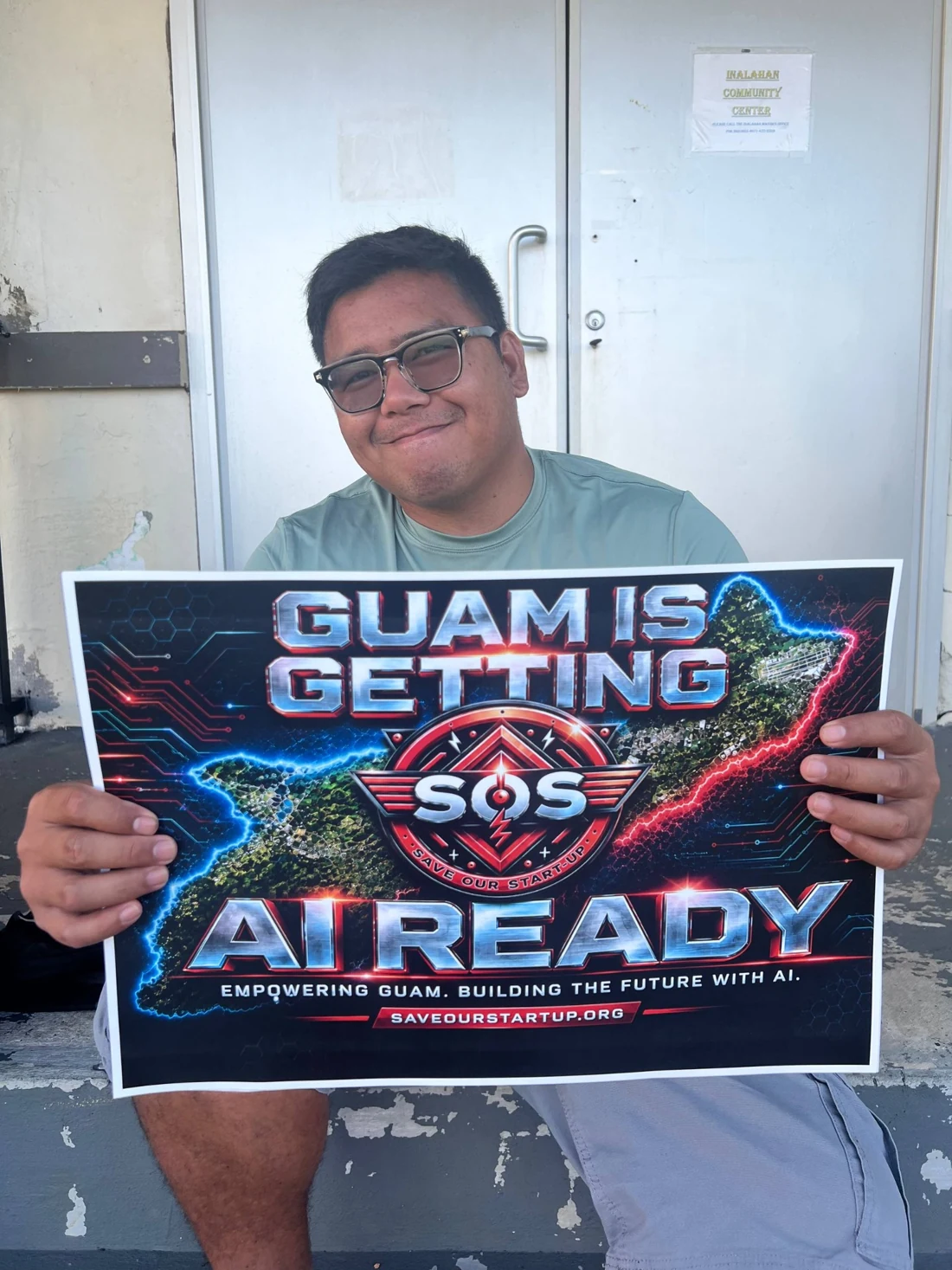
A community member holding the SoS AI Ready sign.
Showing up to learnSharing the SoS AI Ready message.
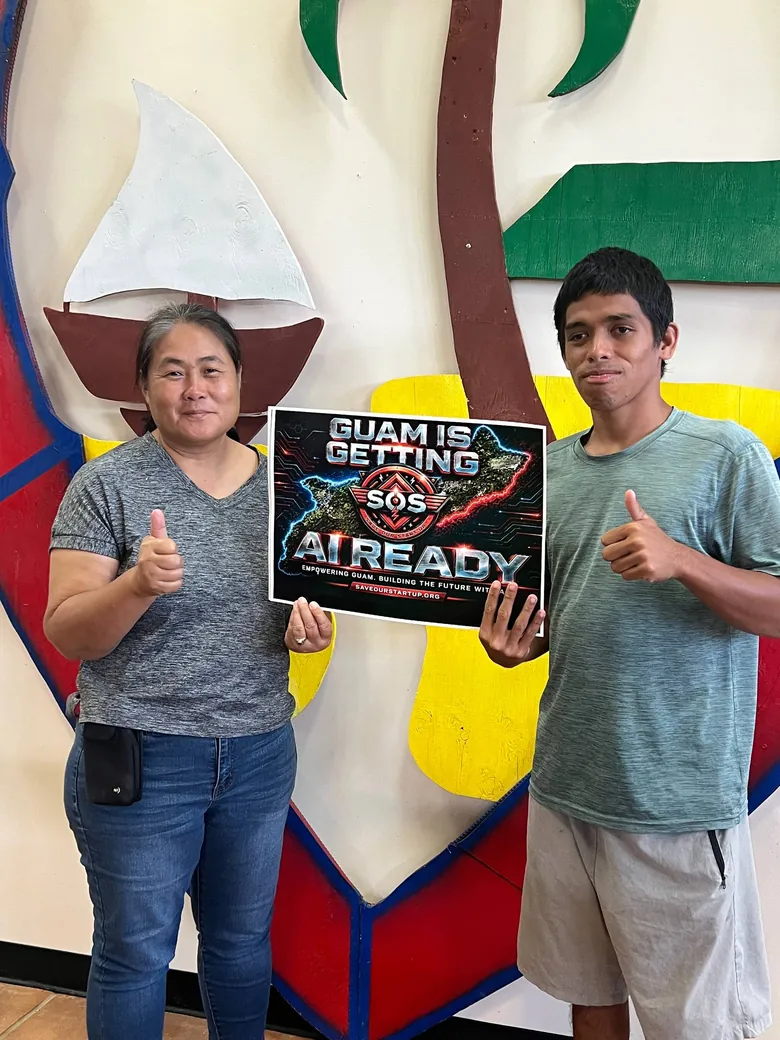
Two community members holding the SoS AI Ready sign.
Learning togetherCommunity members with the SoS AI Ready sign.
See all community photographs
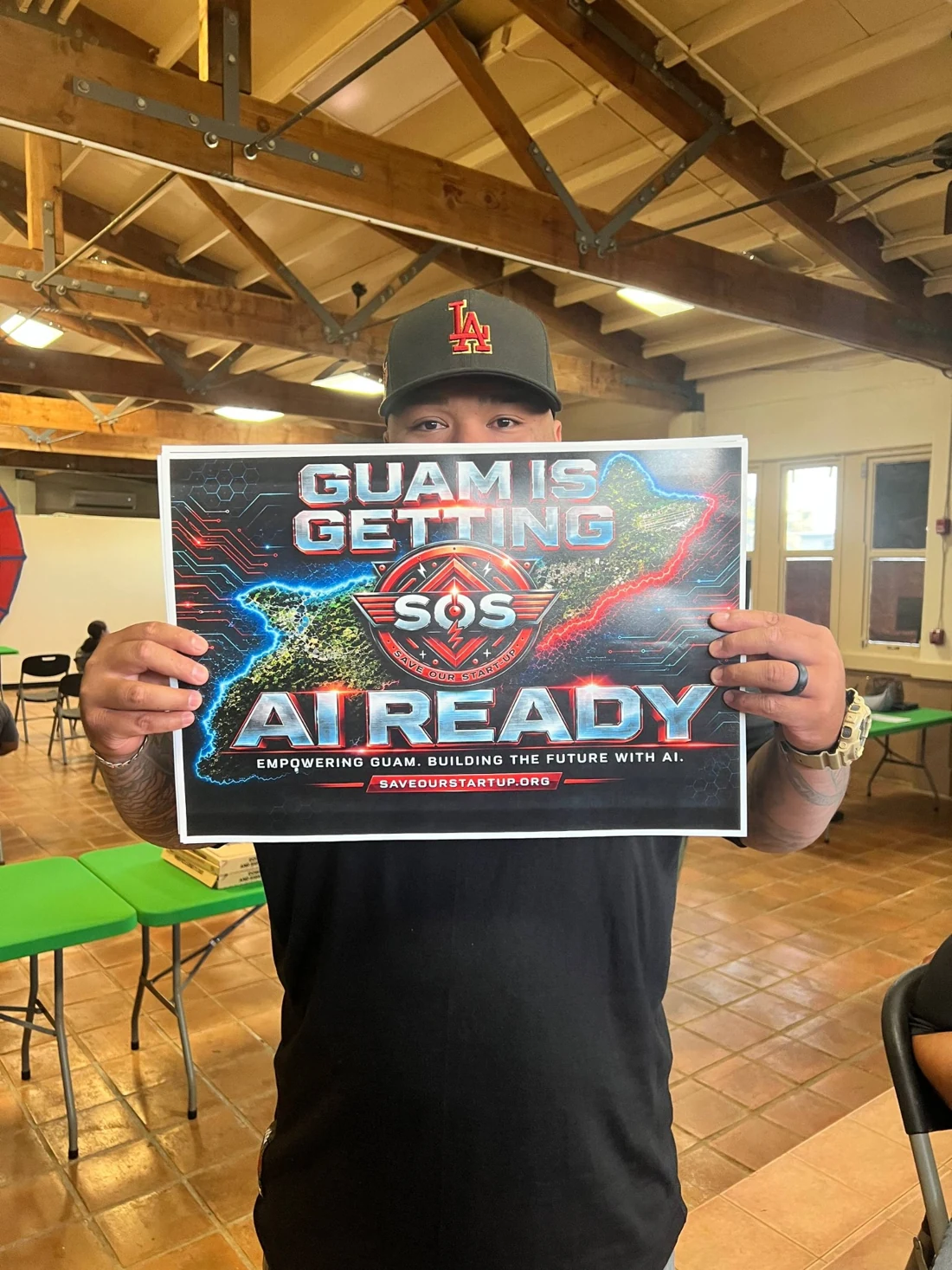
A community member holding the SoS AI Ready sign. A community member holding the SoS AI Ready sign. A community member holding the SoS AI Ready sign. A community member holding the SoS AI Ready sign. A community member holding the SoS AI Ready sign. A community member holding the SoS AI Ready sign. A community member holding the SoS AI Ready sign. A community member holding the SoS AI Ready sign. A community member holding the SoS AI Ready sign.

FROM THE COMMUNITY

Mayor interview & municipal meet-up

A short Instagram reel shared by the founder from a community meet-up, including an interview with the mayor. Loading the player connects to Instagram.

Watch on Instagram

Guam AI School community · 2026

FROM THE SOS STUDIO & FOUNDER WORK

You're learning with people who actually build, test and operate with AI.

The programme draws from practical work in AI, growth, product, systems and implementation across Save Our Startup and the founders’ own projects.

SAVEOURSTARTUP.CO.UK

Save Our Startup

AI-enabled, human-led commercial work across growth, digital innovation, product thinking and implementation.

Visit commercial studio →
GROWHACKWIN.COM

Grow Hack Win

Andrea Naomi's growth and AI strategy platform, focused on practical growth thinking, positioning and emerging AI application.

Explore Andrea's work →
THEWISERTIGER.COM

The Wiser Tiger

Tigs' field notes and work across AI, systems, strategy and creative practice.

Explore Tigs' work →
SOS PRODUCT

Mission Control

The learning environment behind SoS AI School: curriculum, resources, progress, replays and practical work.

SOS AI PROJECT

MedSpa Maddie

Applied voice-agent and workflow experimentation for real business enquiry handling and operational follow-up.

SOS GROWTH / PRODUCT WORK

Campaigns, funnels and AI-native builds

Positioning, product, content, automation and commercial experimentation feeding directly back into how SoS teaches applied AI.

From the SoS archive / real work, different moments

The people behind the practice.

SoS worked with AI, teams and founders before and alongside the School. These selected documentary images come from different periods; they are not a continuous cohort timeline, a testimonial collection or a substitute for learner project evidence.

09 / A three-frame perspective

Practice evolves. Context matters.

Three separate source moments: earlier practitioner engagement, historical AI demonstration and School-branded online context. Not one recorded lesson or a claimed learner journey.

Explore the underlying archive

Eight evidence groups. Nothing invented.

Expand a chapter to view the approved original-source treatment. All captions distinguish historic practice from School activity and verified learner outcomes.

01An interface in practiceEarlier AI demonstration / historical source
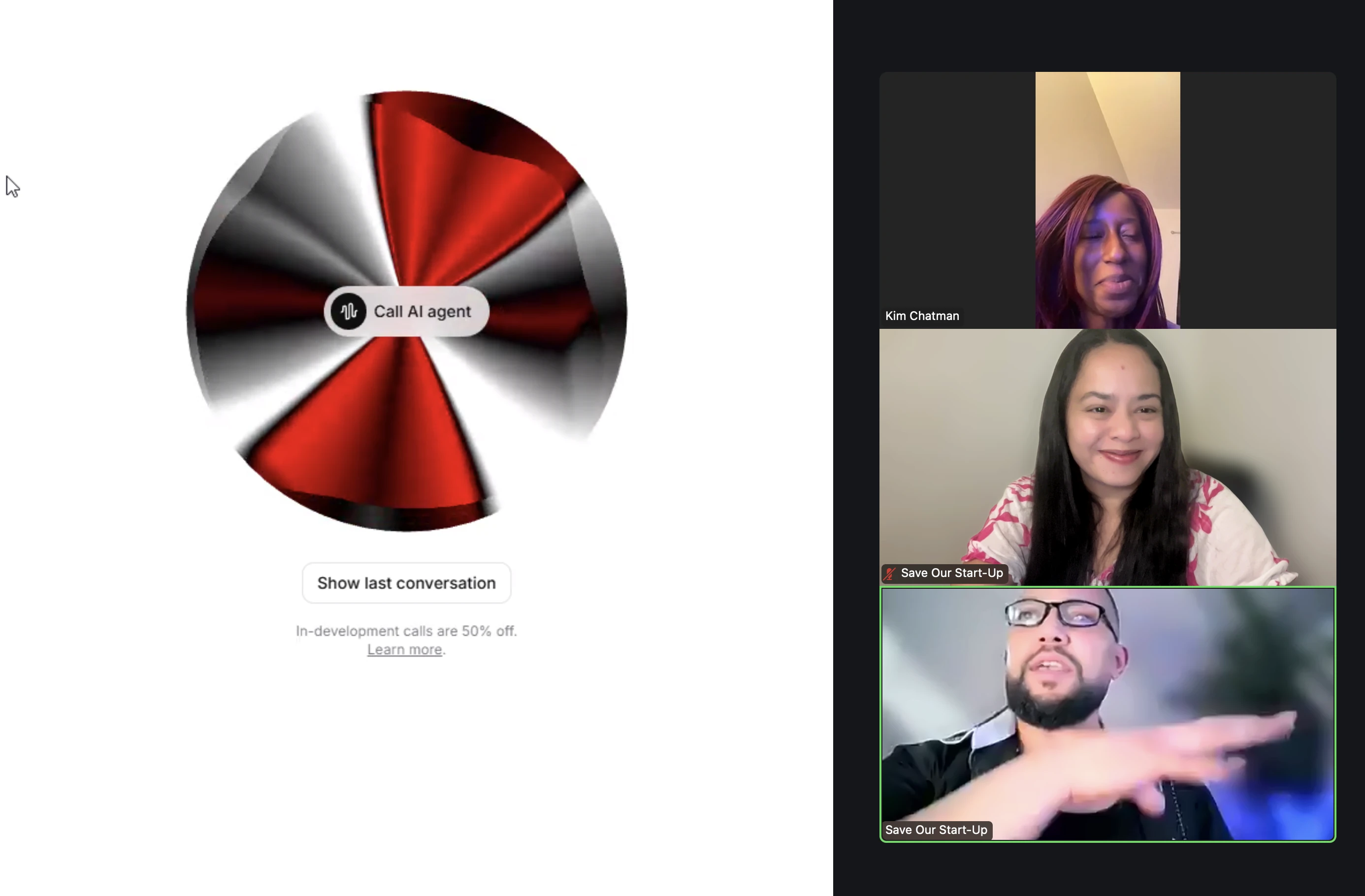
A historical AI-interface demonstration alongside an online conversation.
Historical AI demonstrationHistorical SoS interface and video-call recording context; no success outcome is established.View full image ↗
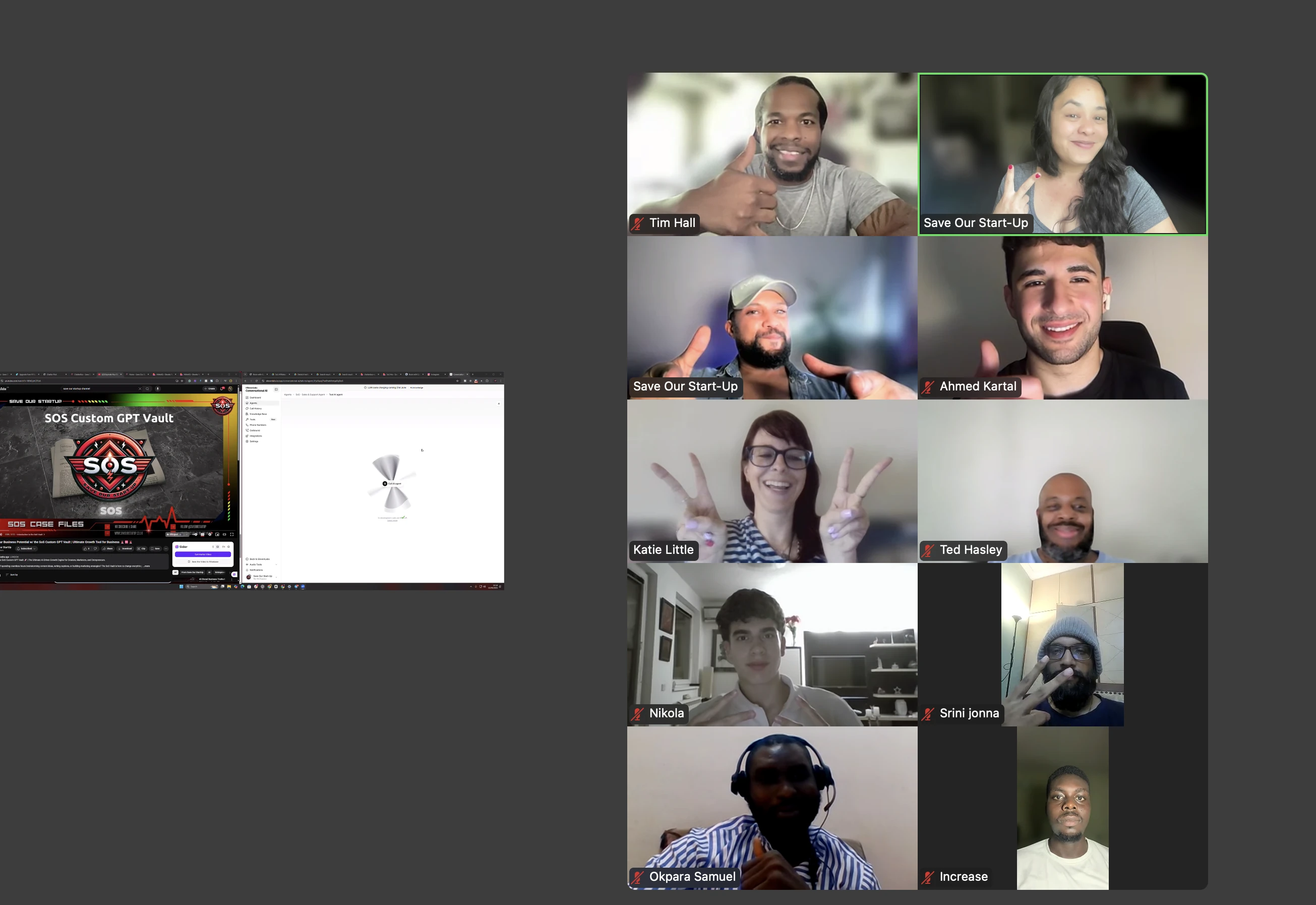
02A live group around the workHistorical SoS conversation / not learner-outcome evidence
An earlier SoS group video call and demonstration, with multiple participants.
Historical group demonstrationEarlier online group context; participant attendance is not evidence of learner results.View full image ↗
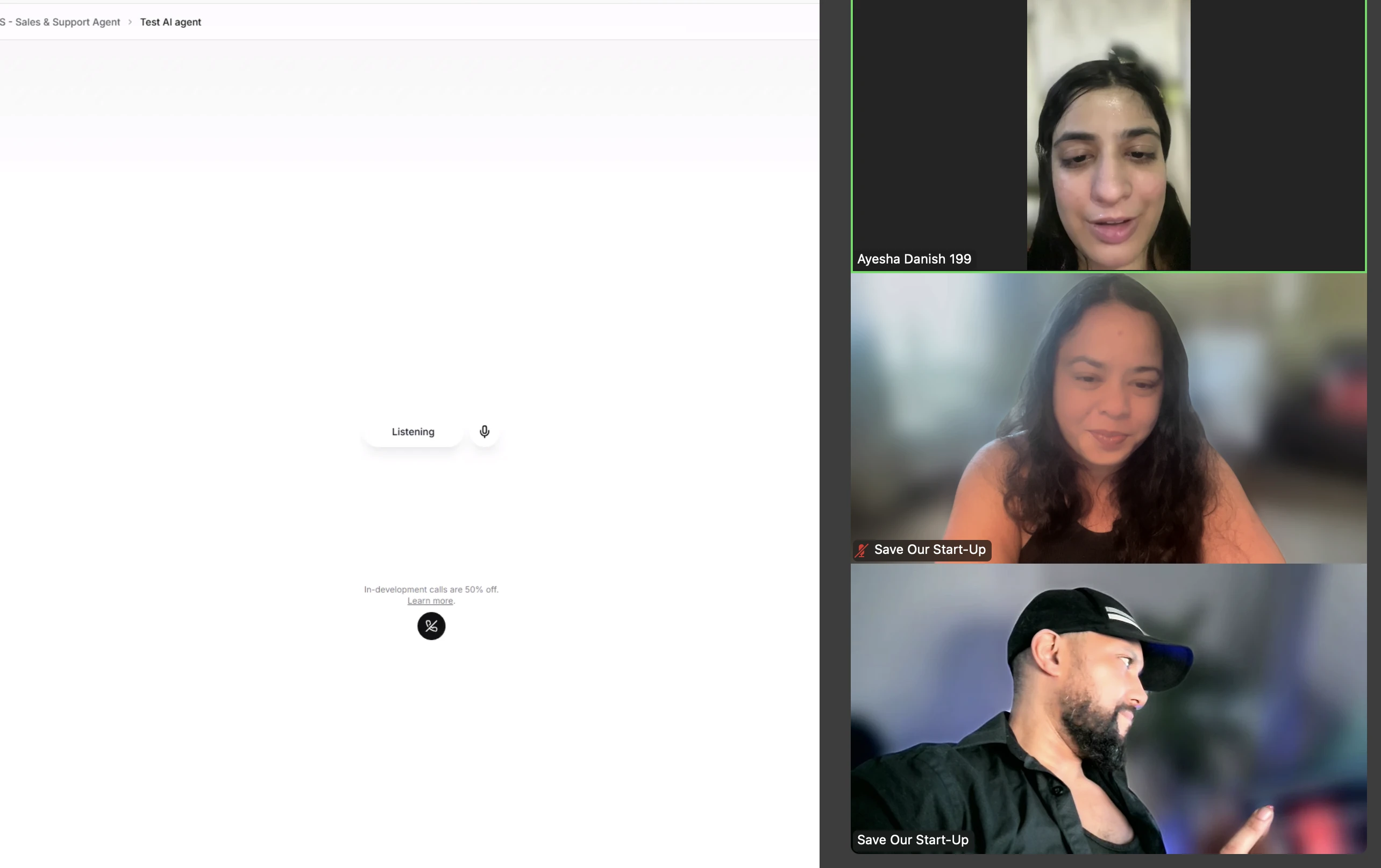
03An agent-interface experimentHistorical test / call success not established
A historical AI-agent test interface beside a small online discussion.
Historical agent-interface testInterface/test context only. This frame does not establish a completed or successful agent call.View full image ↗
04School-branded sessionsApproved School-context alternatives / exact cohort unknown
A SoS AI School-branded online gathering with participant video feeds.
School-branded session context · option ASchool-branded context. Exact session, cohort and teaching roles are not independently authenticated.View full image ↗
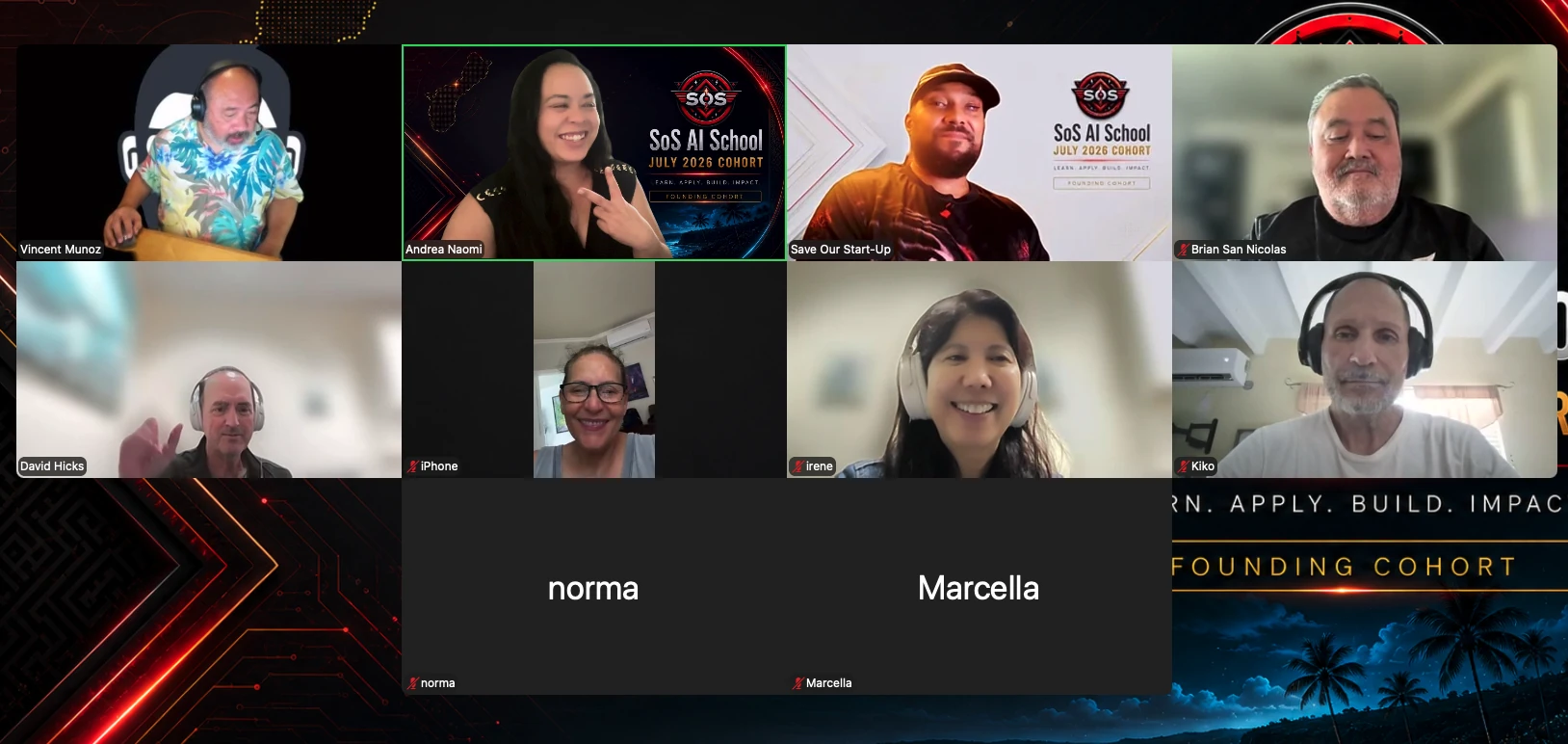
A larger SoS AI School-branded online gallery with several participant tiles.
School-branded session context · option BAlternative School context. No cohort-completion or certification claim is made.View full image ↗
05Human presence, earlier chaptersApproved historical founder/practitioner alternatives
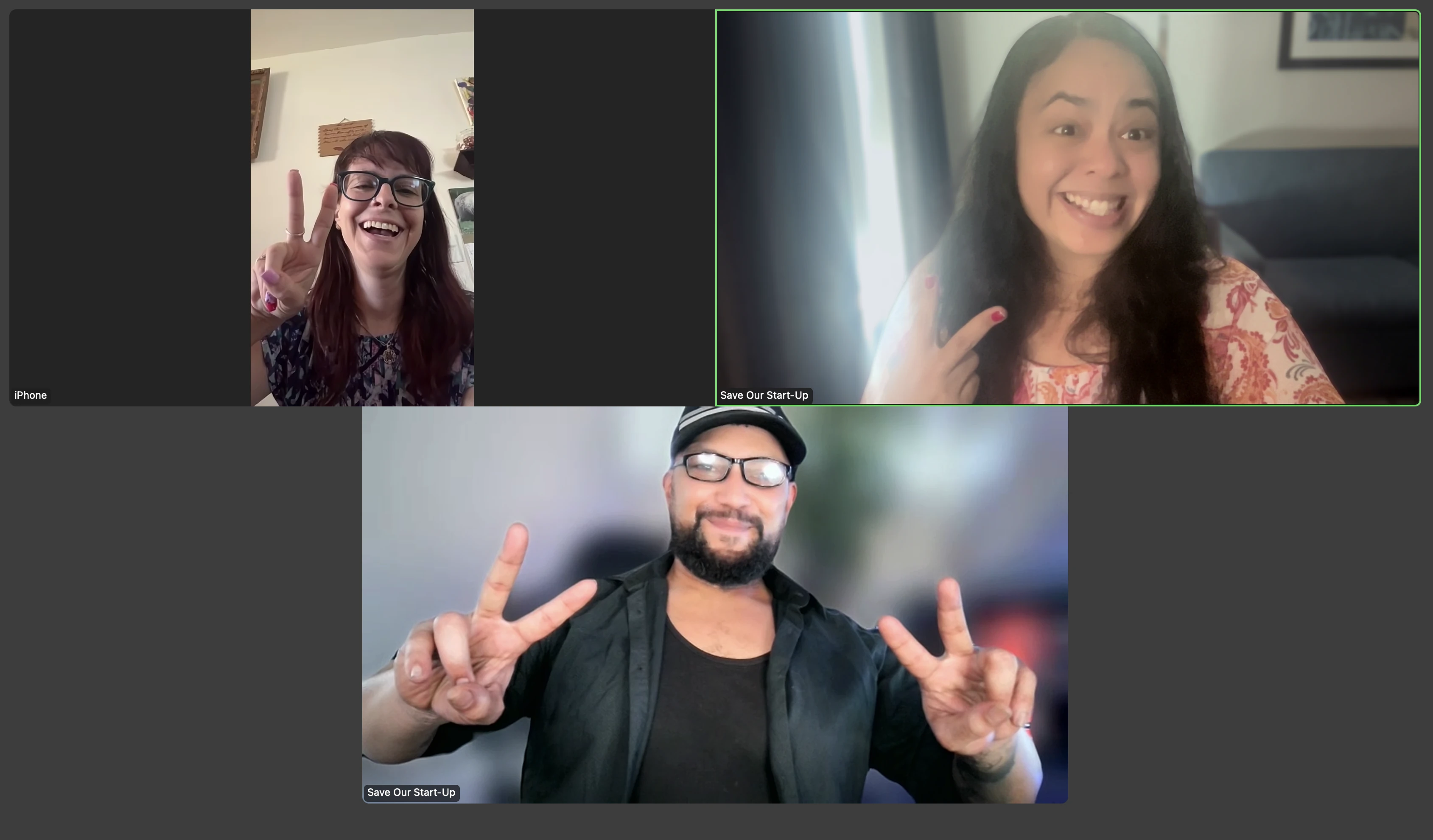
A historical three-person online SoS conversation with participants gesturing.
Historical founder and practitioner conversation · option AHistorical human engagement; no individual endorsement or result is inferred.View full image ↗
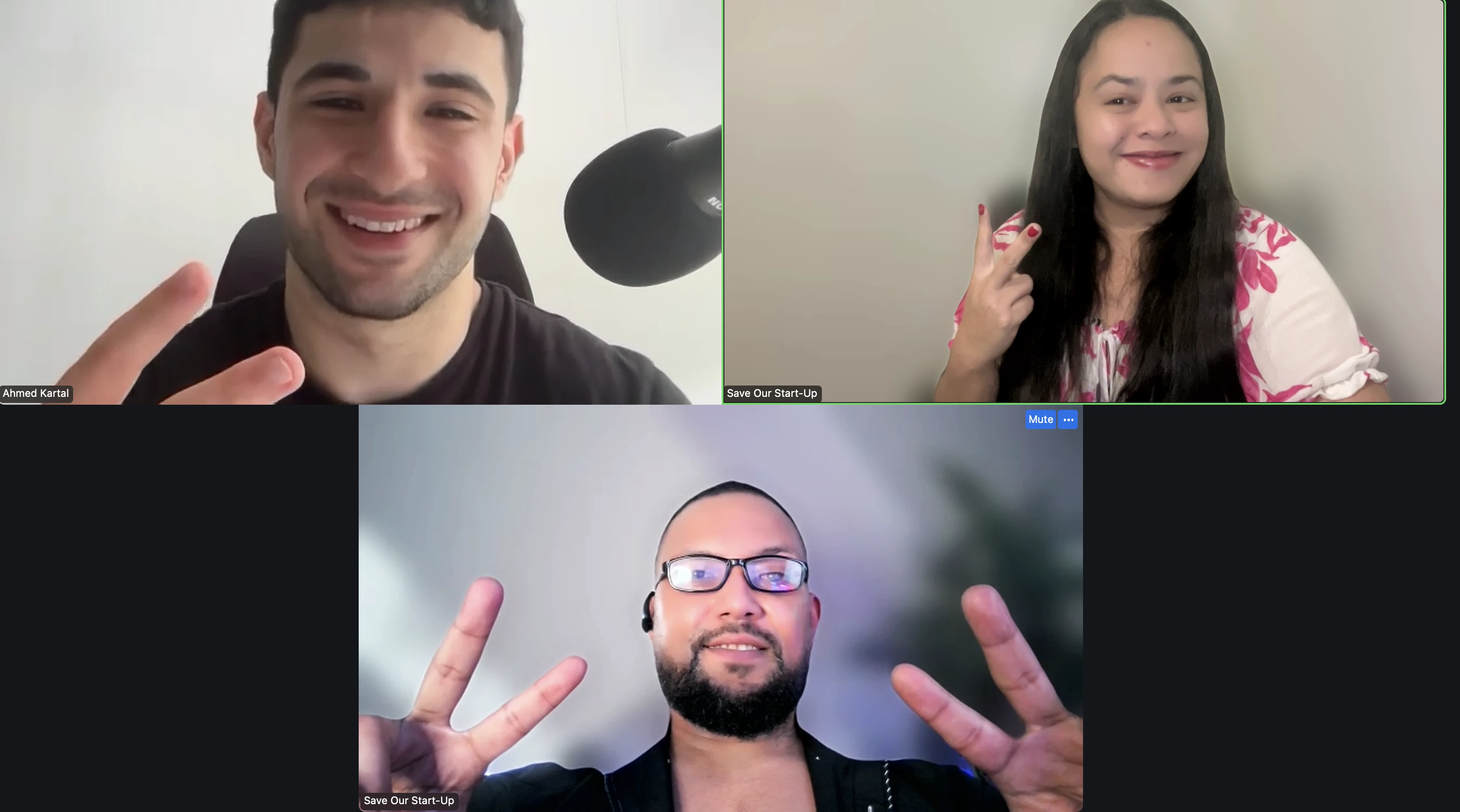
An earlier three-person online conversation including SoS-branded participation.
Historical founder and practitioner conversation · option BApproved alternative. Faces and gestures do not establish testimonial or programme outcomes.View full image ↗
06Practitioner momentsBoth earlier-practitioner portrait alternatives
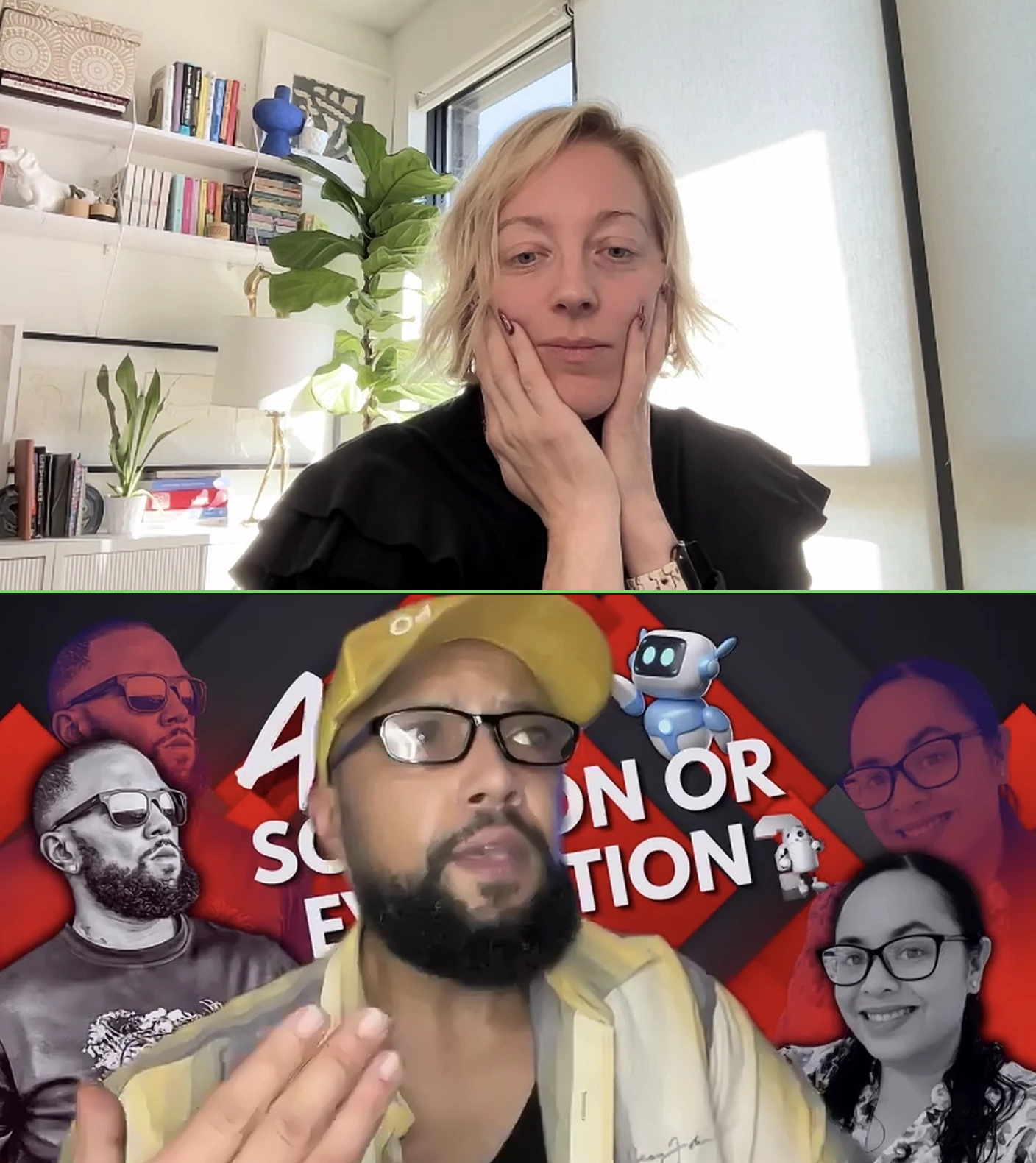
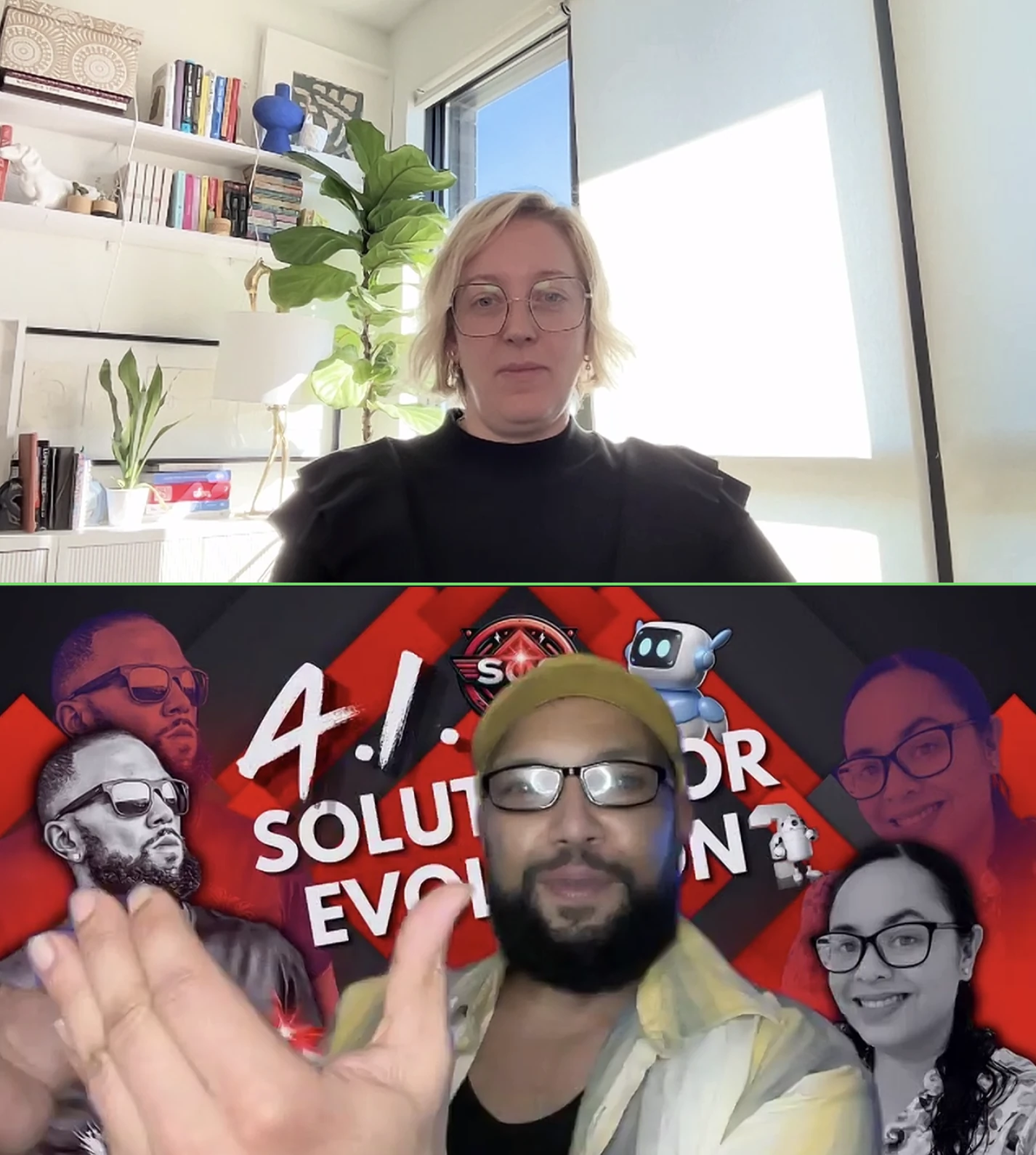
Two people in a historical split-screen practitioner conversation.
Earlier practitioner chapter · option AEarlier practitioner context; not 2026 Guam cohort teaching.View full image ↗
A historical two-person online discussion in split-screen format.
Earlier practitioner chapter · option BAlternative historical practitioner context; no additional claims.View full image ↗
07Professional conversationHistorical engagement / no endorsement claim
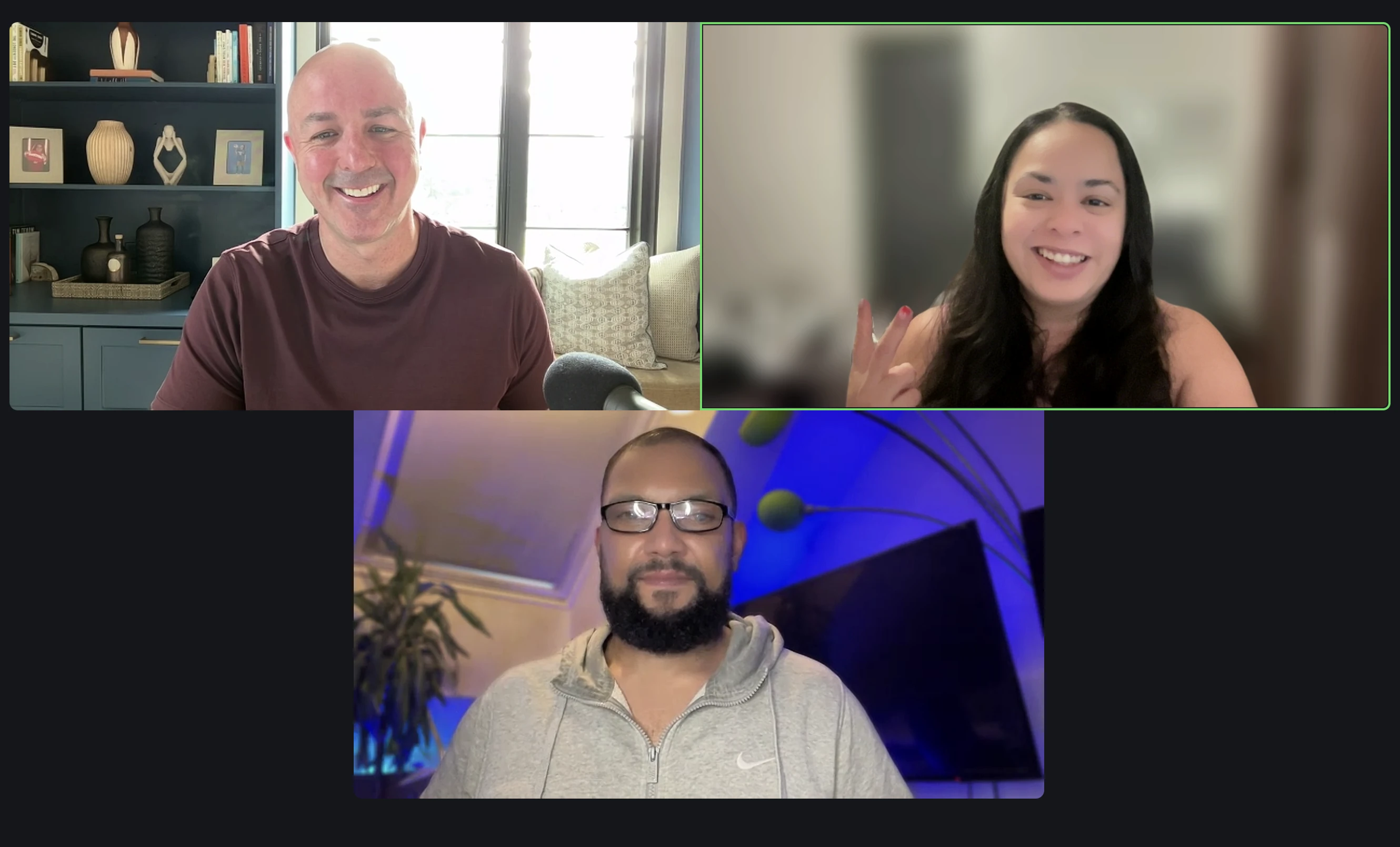
Three-person online professional discussion in a historical SoS setting.
Professional engagementHistorical professional engagement; no institutional endorsement inferred.View full image ↗
08An affiliate and sales-training gatheringFounder-approved gallery crop / historical attribution only
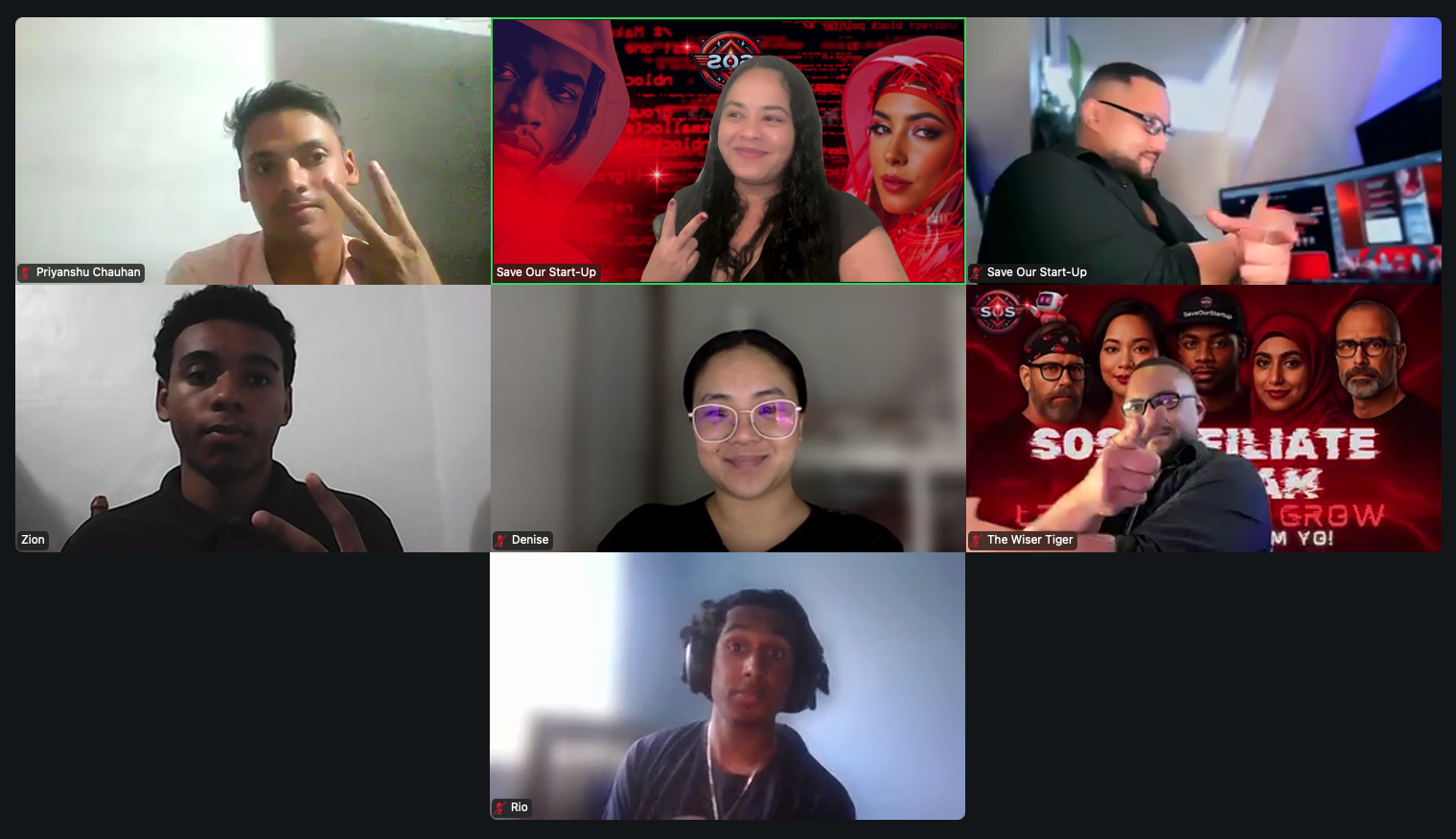
Seven video-call feeds in a gallery, with SoS-branded backgrounds.
Historical SoS gatheringA historical SoS online gathering in an affiliate and sales-training context.View full image ↗

Evidence boundary: The images establish visible historical interaction and context only. Original session dates, teaching roles, outcomes, endorsements, and later uses require their own factual basis.

INSIDE MISSION CONTROL

Everything has a home.

Your course, prompt resources, AI practice, projects, replays and progress, together in Mission Control.

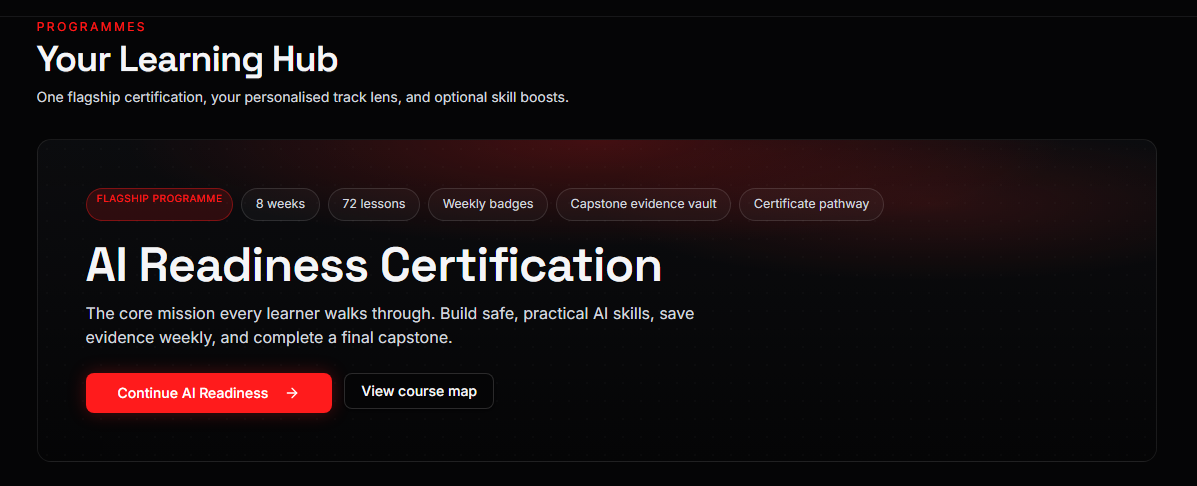
Mission Control Learning Hub showing the AI Readiness programme and capstone evidence pathway
Mission Control Learning HubProgramme overview and course entry in Mission Control.Explore the learning environment ↗
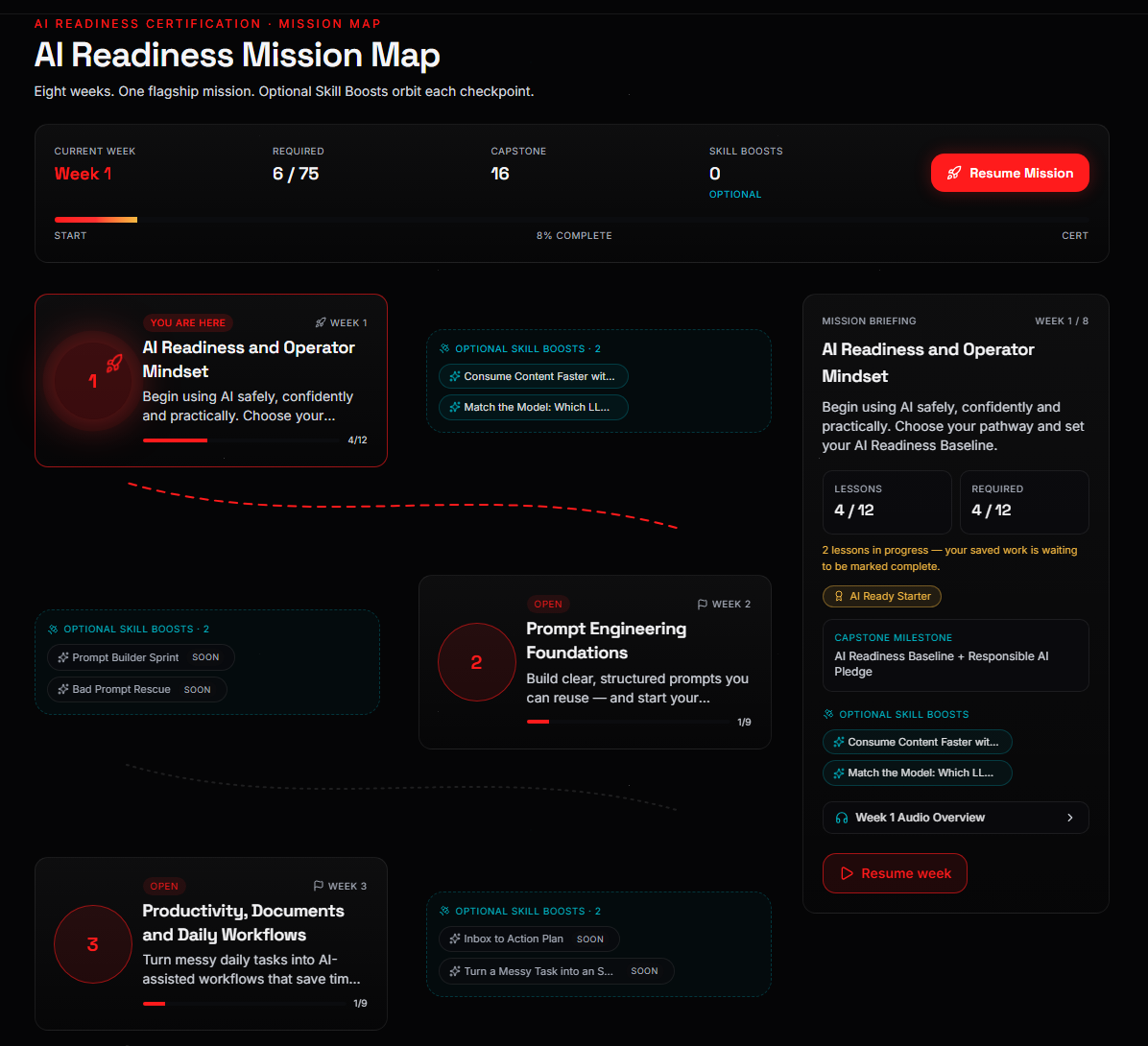
Mission Control AI Readiness course map with lessons and progress
AI Readiness course mapWeeks, lesson progress and capstone checkpoints in the course map.Explore the learning environment ↗
HOW THE PROGRAMME WORKS

Capability builds in layers.

Each week should leave you better equipped to apply AI to something that matters in your own context.

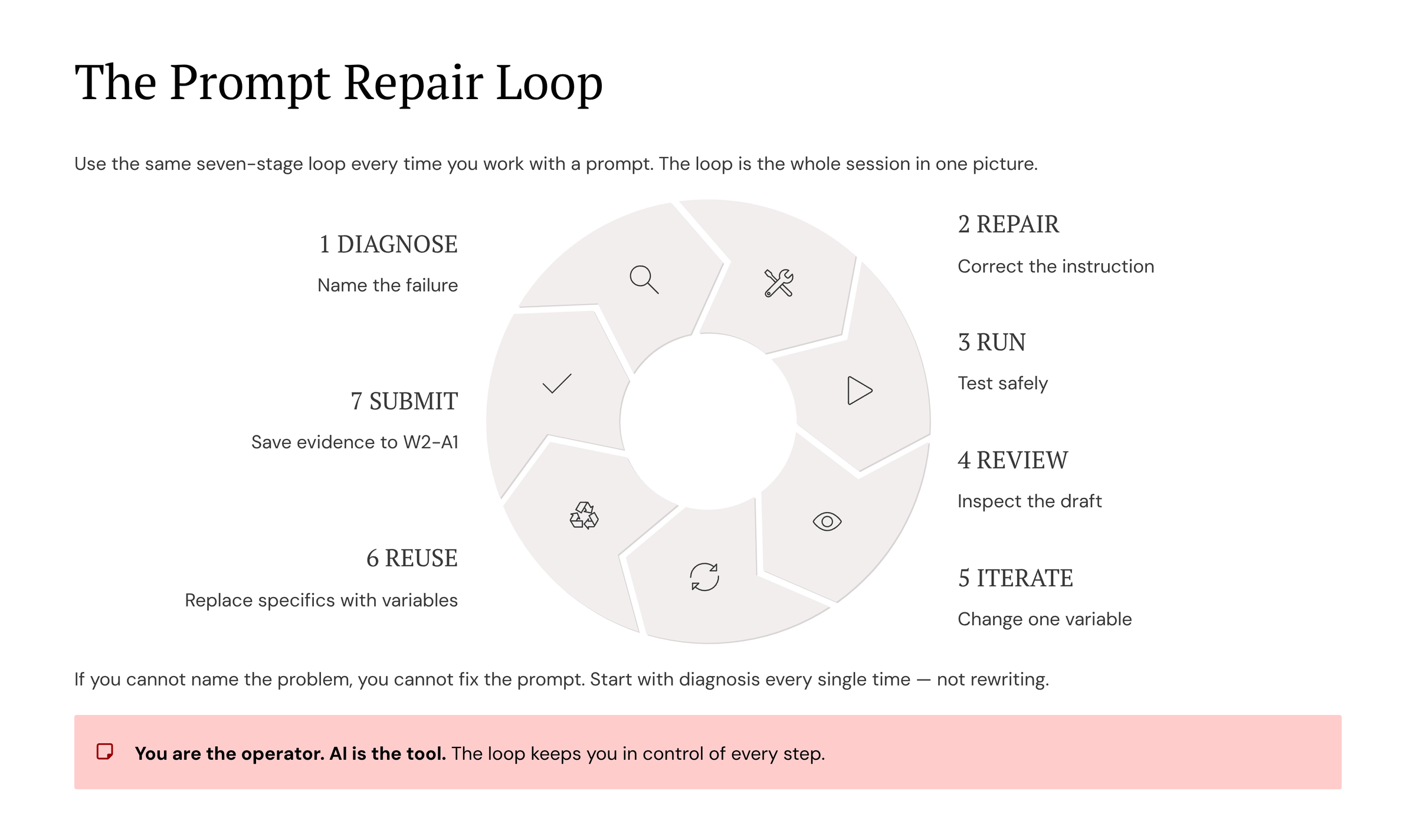
Seven-stage Prompt Repair Loop from the original Week 2 SoS AI School curriculum
CURRICULUM EVIDENCE · WEEK 2

Prompt quality is taught as a repeatable operating skill.

The Prompt Repair Loop moves learners through diagnosis, repair, testing, review, iteration and reuse rather than treating prompting as trial-and-error.

WEEK 3 · PROTOTYPE STUDIO
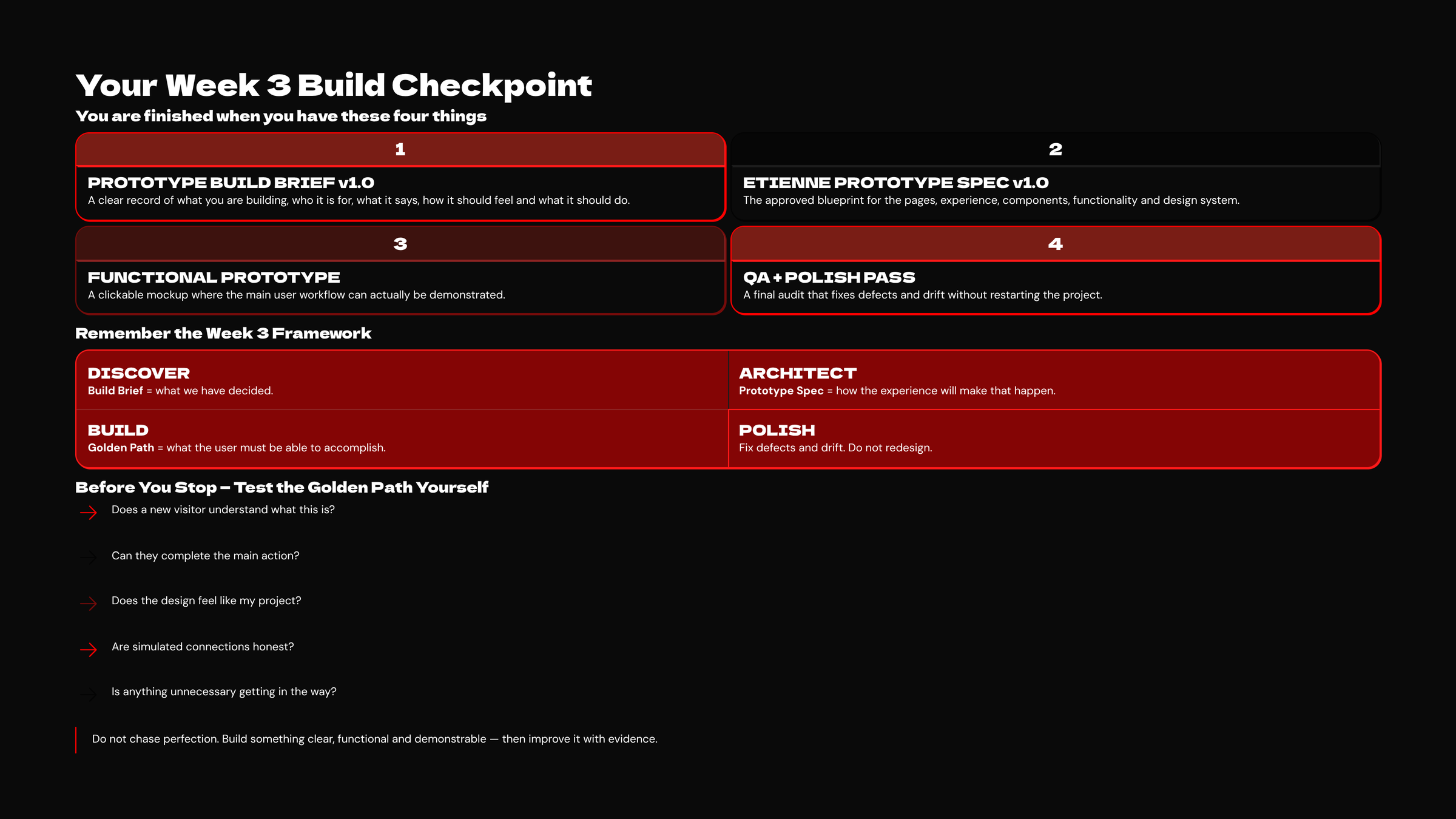
Week 3 prototype build checkpoint and QA framework
Original Week 3 curriculumOpen full-size image ↗

Discover → Architect → Build → Polish

01Discover→ 02Architect→ 03Build→ 04Polish

Build brief → prototype specification → functional prototype → QA and polish. The main user journey must be demonstrable, not merely pictured.

WEEK 7 · 30-DAY ROADMAP
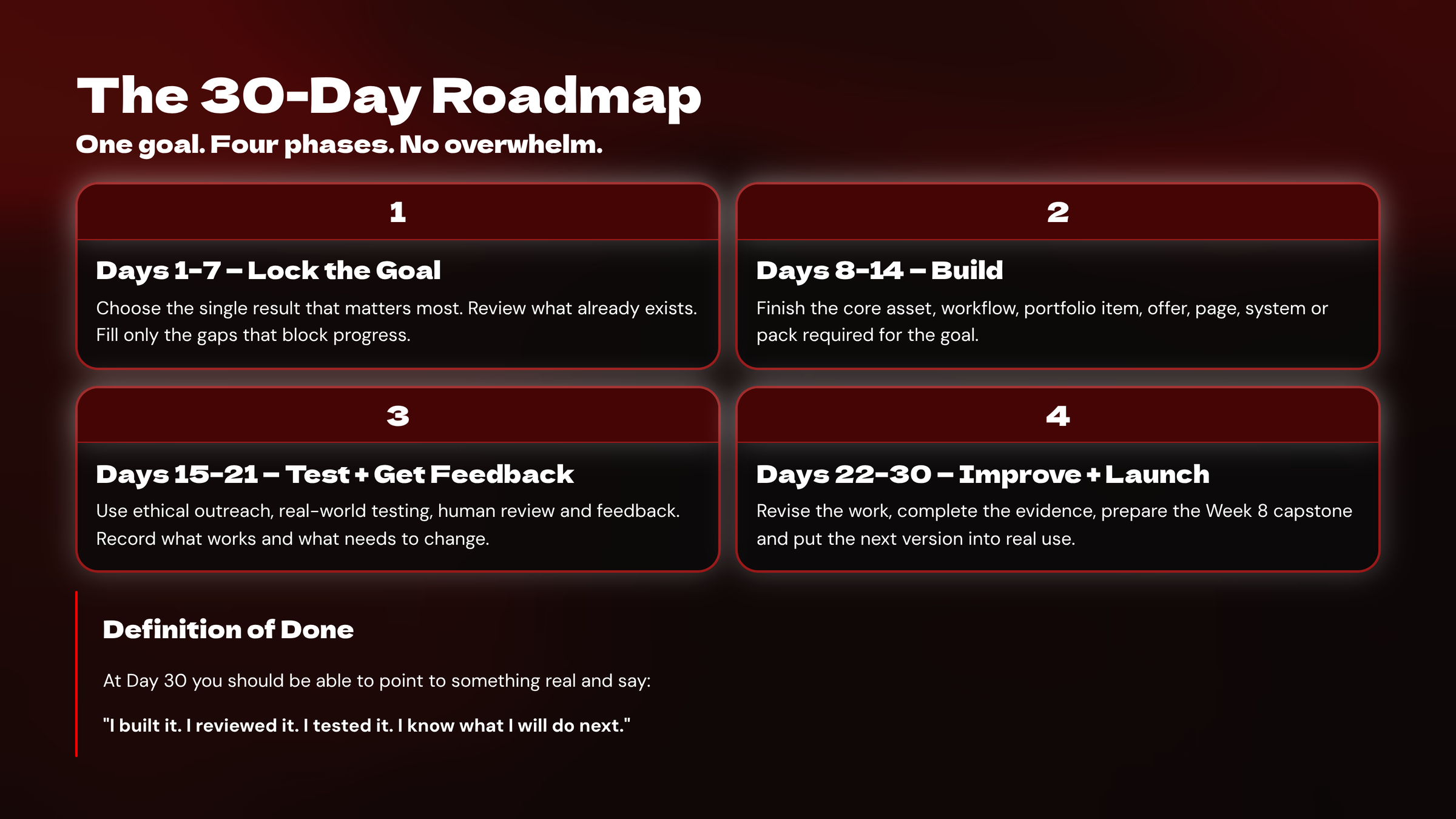
Original Week 7 thirty-day launch-readiness roadmap
Original Week 7 curriculumOpen full-size image ↗

Turn course work into a next-step plan.

DAYS 1-7Lock goal 8-14Build 15-21Test + get feedback 22-30Improve + launch

Connect your coursework to a practical 30-day plan you can test, review and improve.

WEEK 1

Choose the problem worth solving

AI foundations, practical orientation and a real outcome to work toward instead of wandering between tools.

WEEK 2

Prompt Repair

Move from vague requests toward structured prompting, context, constraints and better evaluation.

WEEK 3

From idea to digital prototype

Organise a project, build useful context and start moving an idea toward something testable.

WEEK 4

Build, test, improve

Explore AI-assisted building tools and learn what it means to turn an idea into a working prototype.

WEEK 5

Website, portfolio & public presence

Connect AI to how you or your business shows up publicly, without filling the internet with generic AI content.

WEEK 6

Automation, SOPs & AI-assisted systems

Look at repeated work, workflow design, operating processes and where AI assistance makes sense.

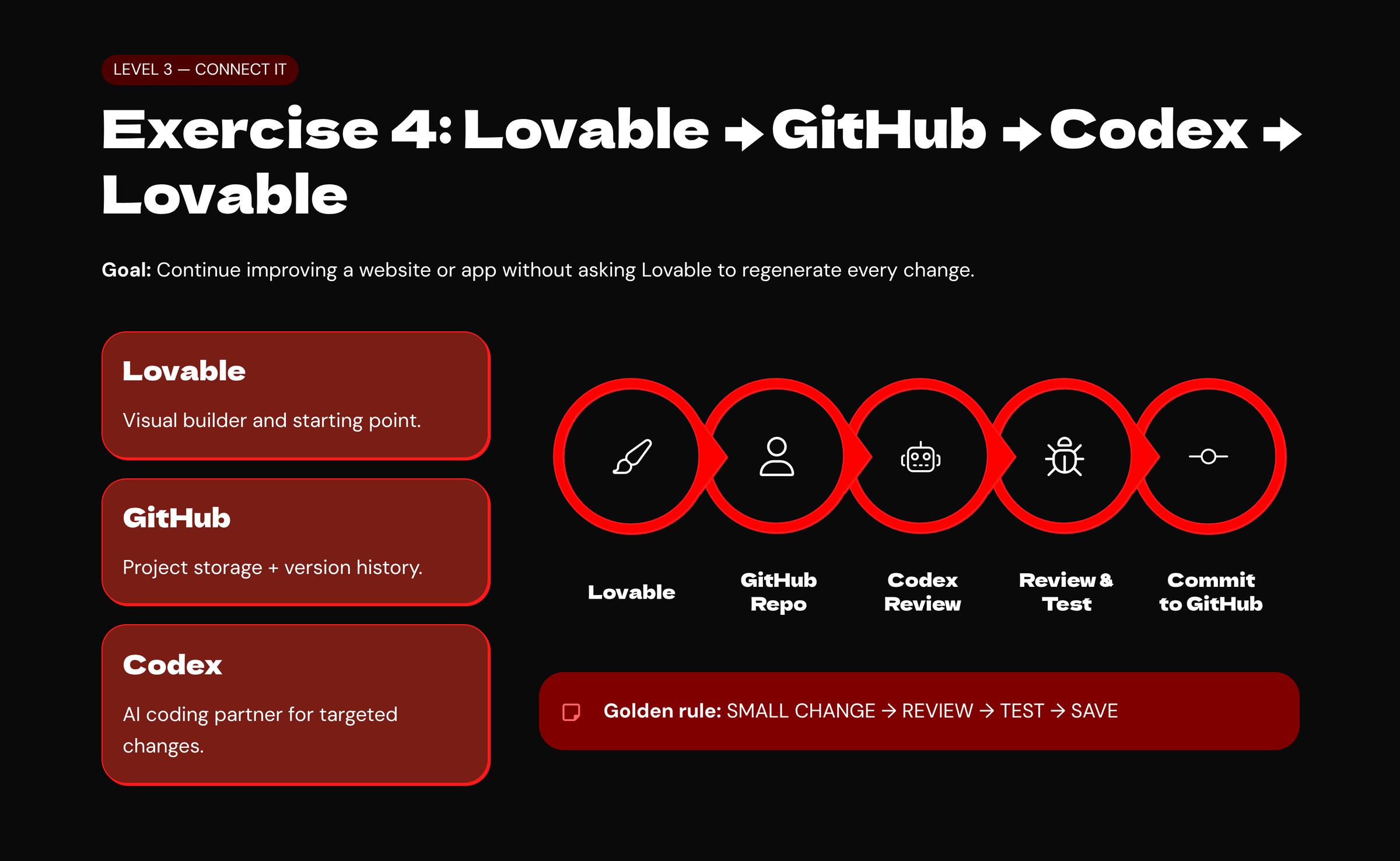
Original Week 6 workflow build, review, test and commit exercise
Original Week 6 curriculumOpen full-size image ↗
WEEK 7

Launch readiness: career, customer & revenue pathways

Connect capability to an outside-world outcome depending on your track and goals.

WEEK 8

Capstone showcase & completion pathway

Bring the journey together through evidence of what you built, learned or changed.

WHY SOS BUILT THIS

AI changes too quickly for learning to stop at theory.

Traditional education is often designed around a fixed curriculum. AI is moving at a different speed. SoS AI School is designed to combine enduring principles with live, current application.

INSTEAD OF ONLY
A fixed syllabus

Use a guided curriculum, then connect it to current tools, practical questions and what is changing now.

INSTEAD OF ONLY
Generic exercises

Bring your business, role, project or use case into the conversation so the application has somewhere to land.

INSTEAD OF ONLY
Passive content

Learn live, ask, test, see other people apply it and return to the replays/resources when implementation begins.

The difference is the delivery model: current application, real use cases and live human guidance.

MEET THE CO-FOUNDERS & TRAINERS

Practitioners first.
Trainers because the work is worth sharing.

The programme draws from active work in AI, growth, product, systems and implementation, not a static slide deck detached from the way businesses actually operate.

Andrea Naomi, co-founder and SoS AI School trainer
CO-FOUNDER · TRAINER · GROWTH + AI APPLICATION

Andrea Naomi

Co-founder of Save Our Startup and creator of Grow Hack Win. Andrea brings growth strategy, positioning, prompting, practical AI application and business implementation into the learning experience.

Inside the School: translating AI capability into useful business and professional application, challenging vague outputs and helping learners turn ideas into action.

Tigs, co-founder and SoS AI School trainer
CO-FOUNDER · TRAINER · AI SYSTEMS + BUILDING

Tigs

Co-founder of Save Our Startup and The Wiser Tiger. Tigs works across AI, systems, strategy, product thinking and creative practice, with a strong emphasis on what can actually be built and how the pieces fit together.

Inside the School: emerging technology, workflow/product thinking, implementation, building and the practical systems behind AI-enabled work.

FOUNDING COHORT · GUEST PRACTITIONERS

Real practitioners joined the room.

The Founding Cohort included live practitioner sessions that connected the curriculum to branding, implementation, workflow redesign, human oversight and the wider impact of AI on work and communities.

Wagner dos Santos during his SoS AI School guest practitioner session
GUEST PRACTITIONER

Wagner dos Santos

Building Brands in the AI Era

Brand, marketing and practical AI application with human judgement kept in the loop.

Vincent Munoz during his SoS AI School guest practitioner session
GUEST PRACTITIONER

Vincent Munoz

AI, workflow redesign & implementation

A practical case-study conversation about process redesign, implementation constraints and human oversight.

Hermine Ngnomire, SoS AI School guest practitioner
GUEST PRACTITIONER

Hermine Ngnomire

AI to Pivot

AI, work and community change, with emphasis on human development, ethical reasoning and responsible adoption.

INSIDE THE PRACTITIONER SESSIONS

Proof from the sessions

These live sessions gave learners direct access to real-world experience, practical examples and honest conversations about what it actually takes to work with AI today.

Explore all three session frames ↗
Wagner dos Santos teaching during a Founding Cohort live sessionSESSION FRAME

Wagner dos Santos, Live teaching moment

A session frame from the Founding Cohort practitioner conversation on brand-building and practical AI.

Workflow implementation context shared by Vincent Munoz during a Founding Cohort live sessionSESSION FRAME

Vincent Munoz, Workflow & implementation

A session frame showing workflow redesign and implementation context shared with the cohort.

Hermine Ngnomire speaking during a Founding Cohort live practitioner sessionSESSION FRAME

Hermine Ngnomire, AI, opportunity & impact

A session frame from the cohort conversation on change, community and responsible AI adoption.

WHO NEEDS SOS AI SCHOOL, AND WHY

Your use case should change the conversation.

The programme is one system. The starting problem is different depending on who you are.

BUSINESS OWNER

Turn AI into useful work, not another subscription.

Best fit when you can see repeated work, customer friction or business information that should be easier to handle.

  • Map repeated admin into workflows and SOPs.
  • Use AI to organise procurement, supplier or pricing information.
  • Explore customer-service, follow-up or voice-agent concepts safely.
WORKING PROFESSIONAL

Become the person who can use AI intentionally at work.

Not by memorising prompts, by understanding context, evaluation, projects and practical application.

  • Research and summarise with stronger verification habits.
  • Turn recurring tasks into repeatable AI-assisted processes.
  • Build a portfolio/capstone that shows applied capability.
MANAGER / TEAM LEAD

Move the conversation from “use AI” to “use it here, with these controls.”

Useful for leaders who need adoption to be practical, explainable and appropriately human-led.

  • Identify workflows worth improving before automating.
  • Think through human-in-the-loop responsibility.
  • Create clearer SOP, knowledge and team-use patterns.
ENTREPRENEUR / CREATOR

Move from “I have an idea” toward something you can show.

The programme gives you structure to research, position, prototype and improve an idea using current AI-assisted tools.

  • Set up project context before building.
  • Prototype websites, tools or AI-assisted services.
  • Use AI for public presence, content and launch readiness.
PUBLIC / COMMUNITY ORGANISATION

Build practical capability without pretending governance disappears.

Especially relevant where AI adoption needs human review, stakeholder trust and clear implementation thinking.

  • Understand workflow redesign before procuring technology.
  • Explore practical human oversight and implementation questions.
  • Build shared vocabulary around responsible AI use.
THE VALUE IS THE SYSTEM

What changes when learning is guided.

Bring your tools, experiments and use case into a guided programme with live support, structured practice and a place to ask questions.

01

Current, live application

The principles stay grounded, while examples and tools can respond to what is actually happening now.

02

Your use case in the room

You can connect the learning to a business, role, workflow, project or goal instead of only completing abstract exercises.

03

A learning environment that continues after the call

Resources, replays, prompts and project materials are organised around the experience rather than disappearing when Zoom ends.

03 / People & perspective

Good questions.
A clearer next step.

Understand the experience, the commitment and the limits before deciding whether the programme fits your work.

In their own words

Jessica Barrett, Founding Cohort learner
“ray of light into the madness”
Jessica BarrettLearner · quoted in the Founding Cohort graduation deck
1 / 3

R3-13 · Exact existing reflection · founder-attested 29 October 2026

Personal reflections describe individual experience. They are not business endorsements or promises of results.

Before you join

Will AI work for our business?

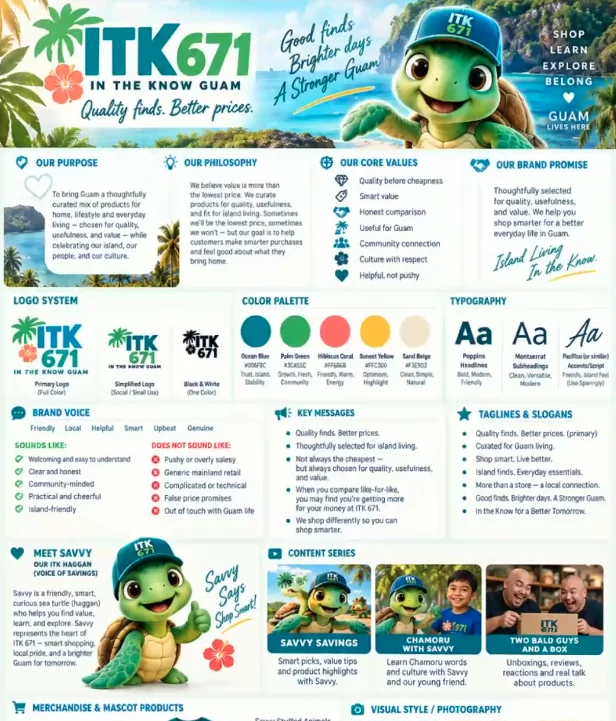
Start with one specific problem, rather than a promise that AI fits everything. Existing School work includes a brand concept, a reconciliation workflow design and creative character work. These are examples of learning and prototypes, not guarantees for every business.

Explore the workflow concept ↗
What if the programme costs too much?

Standard tuition is US$1,495. Pay in full is US$1,295. The flexible plan is exactly five payments of US$299 every 14 days, totalling US$1,495. This link takes only the initial $299 payment. Contact us to arrange the remaining four $299 payments every 14 days; this link alone does not establish automatic collection of those payments. This is not a cancel-anytime subscription. Employer or team-funded enrolment is handled separately. No savings or return on investment is guaranteed.

What if we are too busy to attend live?

Cohort sessions are recorded. Readiness includes 12 months of access from the official cohort start to its course area and included cohort resources, so you can revisit material. This does not waive participation or certification requirements, or include unlimited ongoing Builders sessions.

I’m not technical. Is this for me?

The programme is designed for practical AI capability in work, business and projects, not only for developers. Guided exercises and instructor-supported practice help you question and improve the work.

What if I don’t know how we would use AI?

Begin with a repeated task, a customer problem or a piece of work that is difficult to explain or organise. Use that as a learning question, test a small example and keep a person responsible for review. A capstone can make an idea visible without pretending it is already a launched product.

Explore the concept story ↗

Readiness tuition: US$1,495 standard · US$1,295 pay in full · 5 × US$299 every 14 days, US$1,495 total. Existing enrolment and employer routes remain the commercial next steps.

For teams and employers

The same method, on your operational questions.

  • Start from a real operational question.
  • Keep a person reviewing every AI-assisted step.
  • Use AI responsibly, with clear limits.

Team and employer-funded places go through the existing enquiry route below.

See the employer / team route ↓
JOIN THE NEXT COHORT

Eight weeks.
A more capable you.

$1,295
Pay in fullStandard tuition $1,495Save $200
  • 8-week live AI Readiness programme
  • Mission Control learning environment · 12 months of access from cohort start
  • Guest practitioner learning · applied projects and capstone pathway

January 2027Onboarding 16 Jan · programme starts 18 Jan.
Mission Control learner access opens at cohort start.

WHAT A LIVE SOS SESSION LOOKS LIKE

Watch people think, question, test and build in real time.

Live sessions show the programme in practice: people asking questions, testing ideas, working through constraints and building in real time.

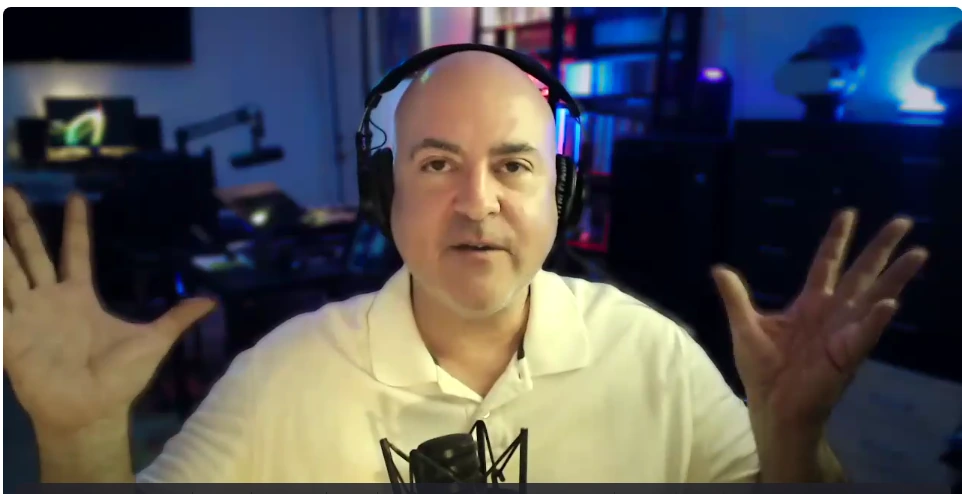
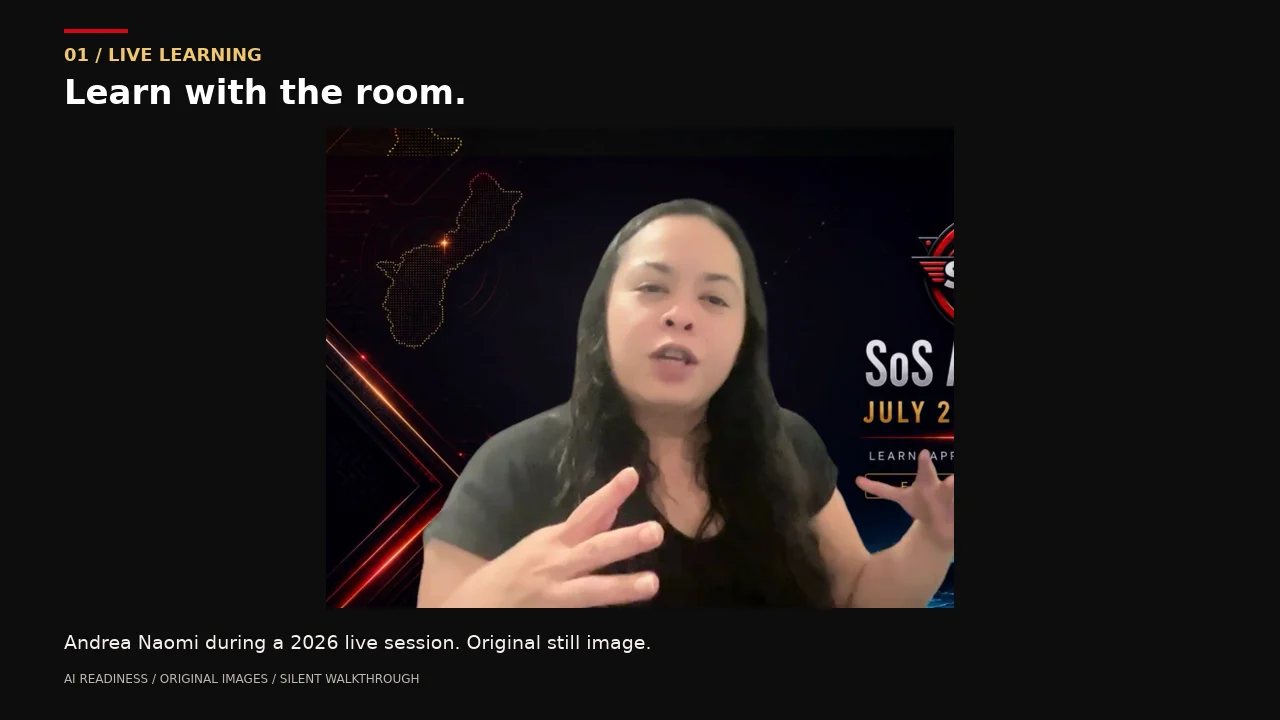
Opening frame of the silent walkthrough: Andrea Naomi during a 2026 live session, with the caption Learn with the room
Opening frame of the silent walkthrough. Andrea Naomi during a 2026 live session; original still image.
SEE THE PROGRAMME IN PRACTICE

From a question to work you can explain.

Live learning, guided practice, learner design work and a place to keep it all together.

  1. Learn with the room
  2. Test and repair your prompts
  3. Build work you can explain
  4. Keep the learning together
Watch the 24-second walkthrough →

Silent walkthrough of original images, with captions. Includes learner design concepts; it is not a live-session recording.

MEET RIO YOUR SOS AI GUIDE

Ask first. Decide with clarity.

Meet Rio, your SoS AI guide. Ask about AI Readiness, pricing, cohort dates or Mission Control, then choose your next step.

Your conversation with RioAI Readiness & Mission Control

A little clarity goes a long way.

Ask what matters to you. Speak naturally, or start with a message.

OR START WITH A QUESTION

Getting Rio ready…

FREQUENTLY ASKED QUESTIONS

Before you join: your questions answered.

I'm not technical. Is this still for me?

Yes if your goal is practical AI capability. The programme is designed for people applying AI to work, business, projects and career use cases, not only for developers.

I've already used ChatGPT. Is this too basic?

Probably not if your use is still inconsistent or mostly chat-by-chat. The cohort progresses from better prompting into projects, prototypes, public presence, workflows, SOPs, systems and capstone work.

What if I miss a live session?

Cohort sessions are recorded and replays form part of the learning experience. Your Mission Control access runs for 12 months from the official cohort start date, so you can revisit the learning environment and included cohort resources after the live eight weeks.

What will I actually build?

That depends on your use case. Live participants have explored business workflows, websites, procurement information, SOPs, prototypes, public presence, employee processes and conversational AI.

Do I need paid AI tools?

Some third-party tools may offer free and paid tiers and may change over time. Any tools or accounts required for scheduled exercises will be confirmed during cohort onboarding.

Can my employer or organisation pay?

Yes. Employers, sponsors and teams can use a direct organisational enrolment route. Organisation pricing is confirmed directly with Save Our Startup and is not combined with individual offers.

Can I pay in instalments?

The flexible plan price is 5 fortnightly payments of $299, for $1,495 total. This link takes only the initial $299 payment. Contact us to arrange the remaining four $299 payments every 14 days; this link alone does not establish automatic collection of those payments.

What is the refund or cohort-transfer policy?

A full refund may be requested within 7 calendar days of purchase if the cohort has not started. After the cohort begins, programme fees are non-refundable subject to applicable statutory rights. One transfer to the next available SoS AI Readiness cohort may be requested by the end of Week 1. If SoS cancels a cohort, you may choose a full refund or transfer. See the linked Refund & Cohort Transfer Policy for the controlling wording.

Do you guarantee income, funding or a job?

No. SoS provides education, practical resources and live guidance. Individual outcomes depend on your context, participation, decisions, tools and implementation.

What happens after the eight weeks?

Your Mission Control access continues for 12 months from the official cohort start date for the included AI Readiness learning environment and cohort resources. You keep working from the programme materials and outputs available within that access period.

When is the next cohort?

Cohort onboarding is January 16, 2027. The official cohort start and Mission Control learner unlock are January 18, 2027.
Open full-size image ↗